
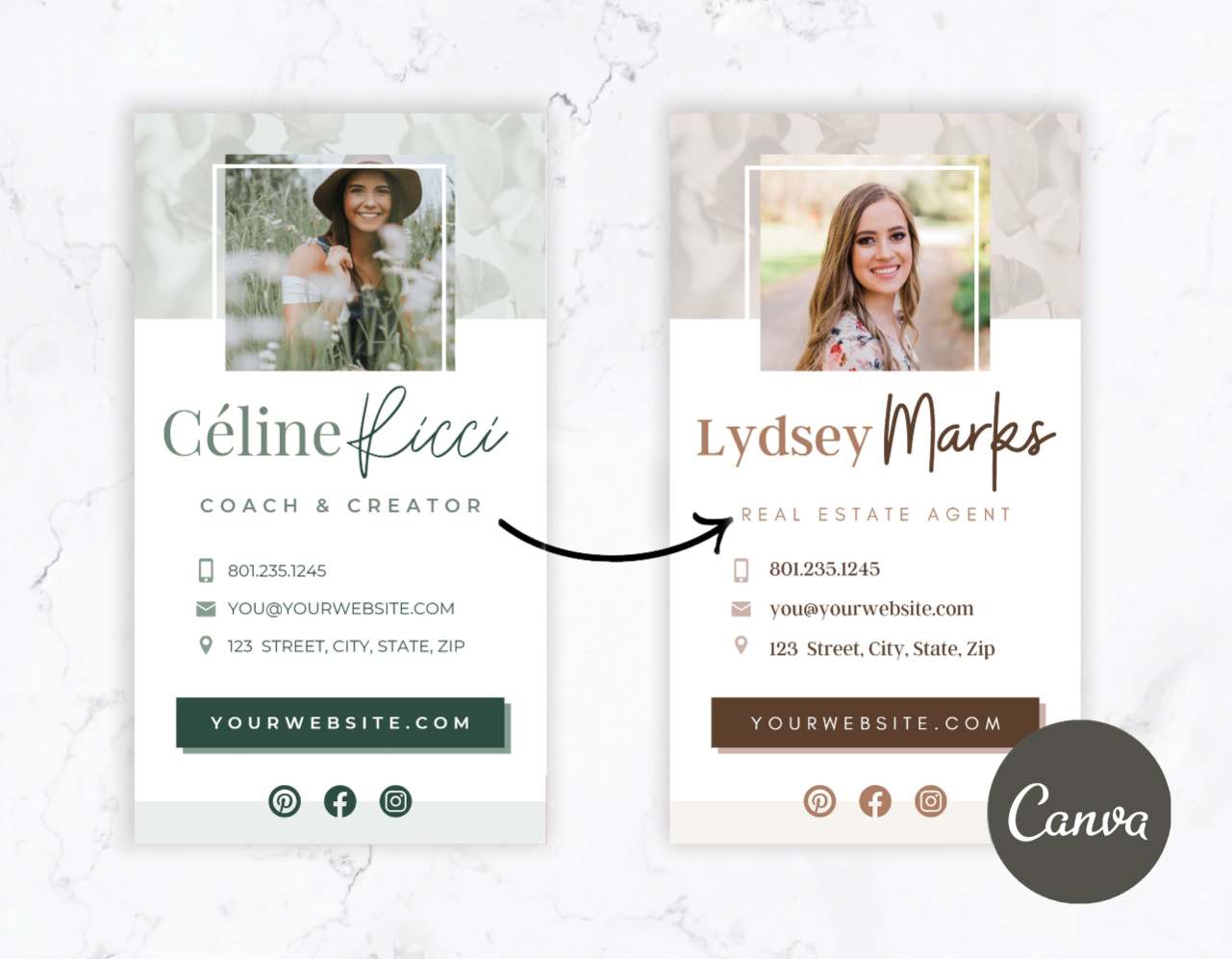
Shop Digital Business Cards

Customizable Canva Digital Business Card Templates for Modern Brands

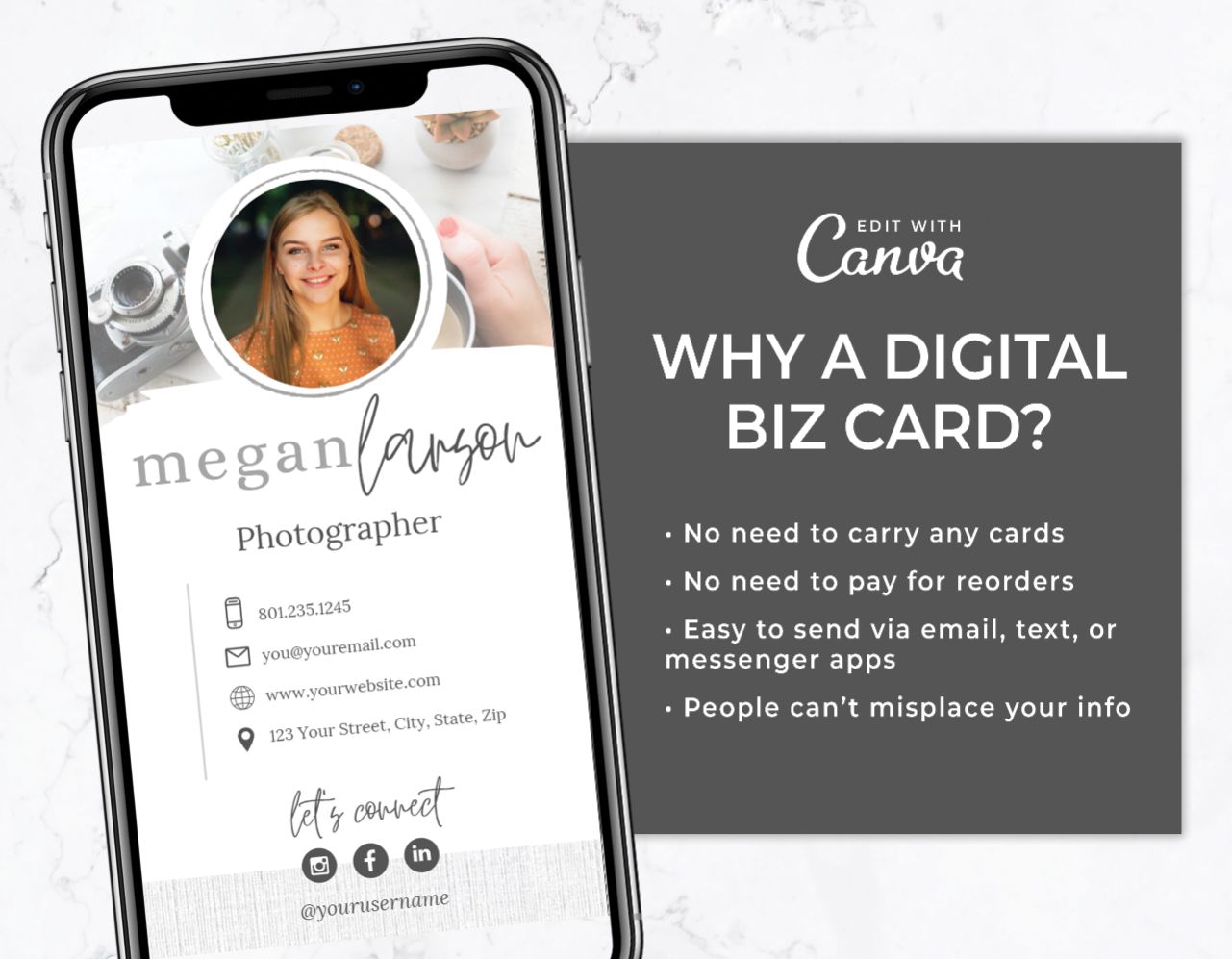
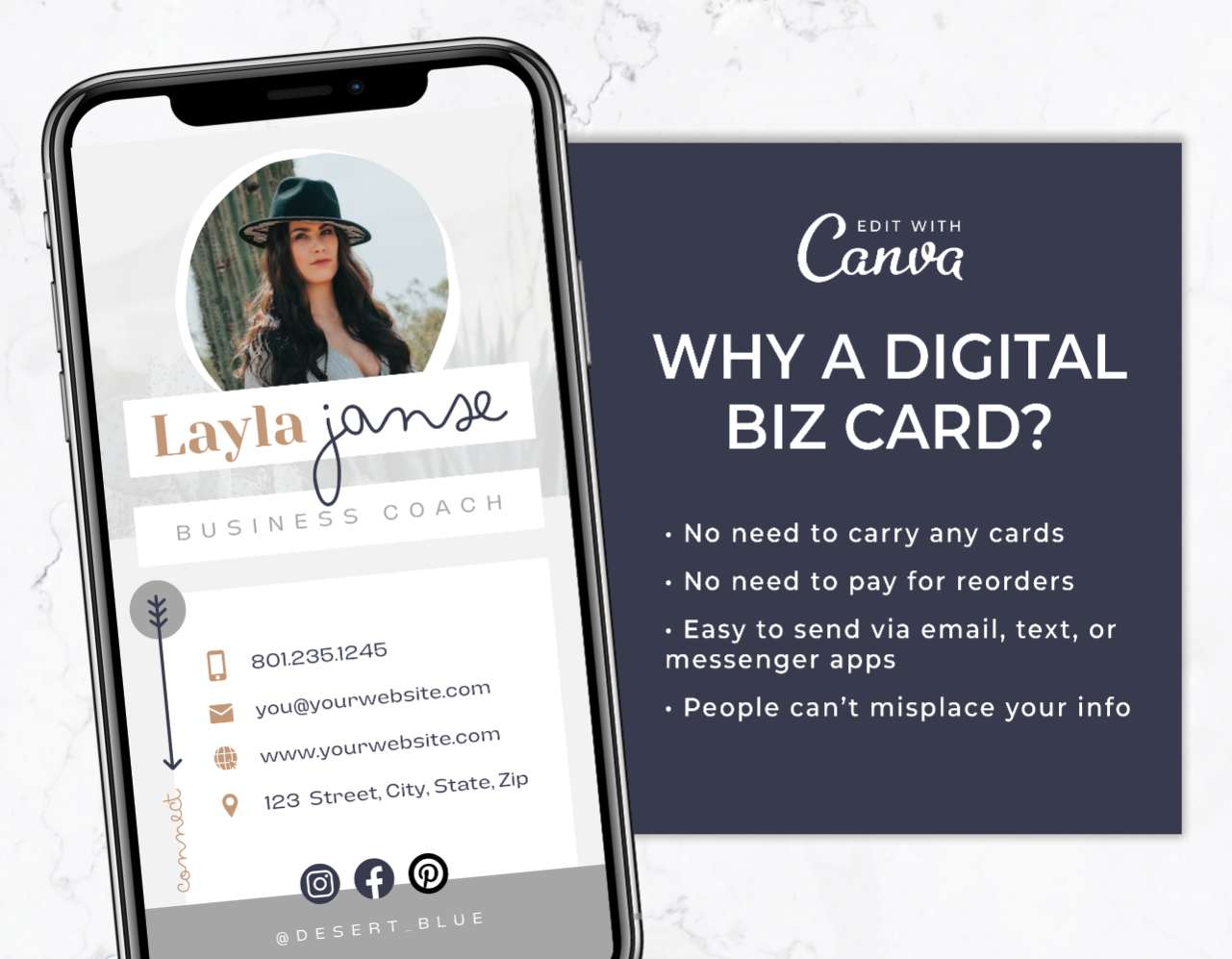
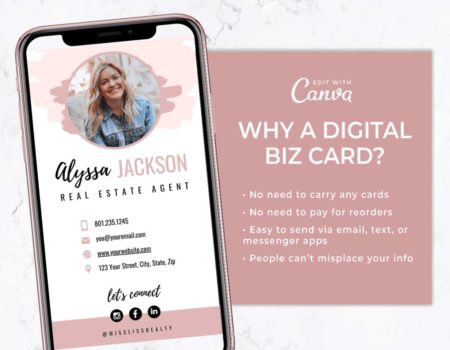
The way we network has completely changed. Handing over a paper business card that immediately gets stuffed into a pocket or purse and thrown away isn’t always the best choice. Whether you are an influencer attending a brand event, a real estate agent meeting buyers, or a service provider trying to make connections and find new clients, you need an easy digital way to share your info.

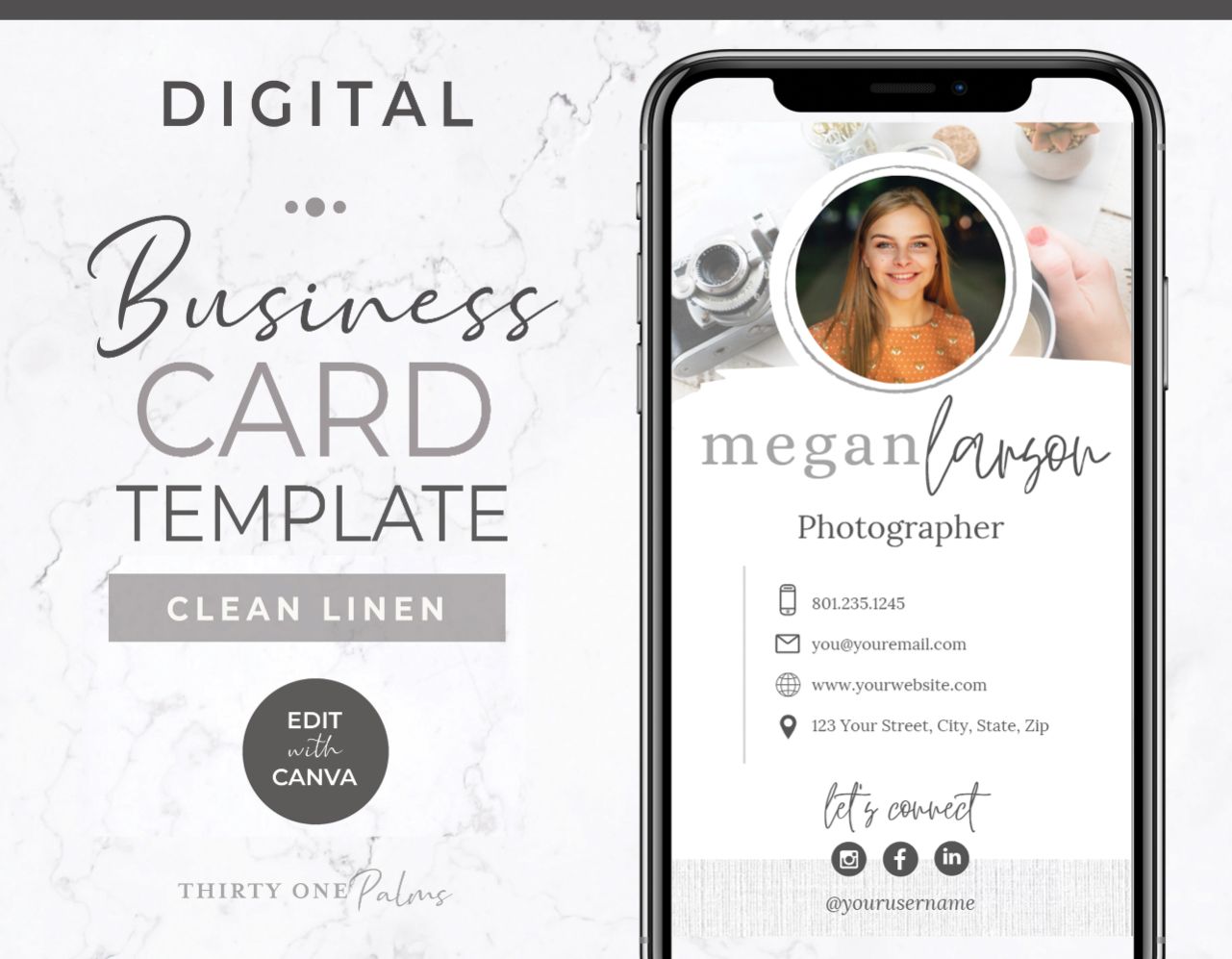
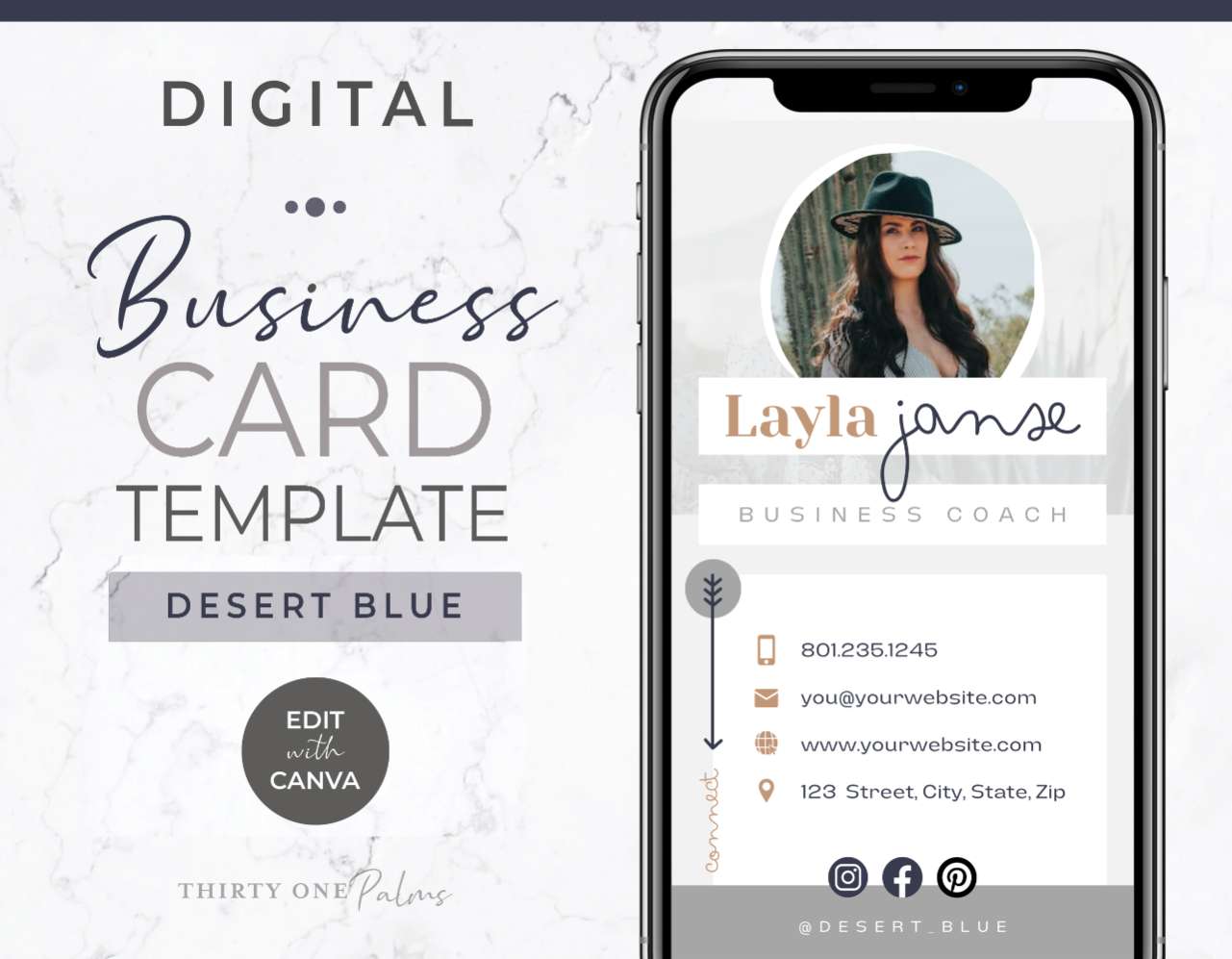
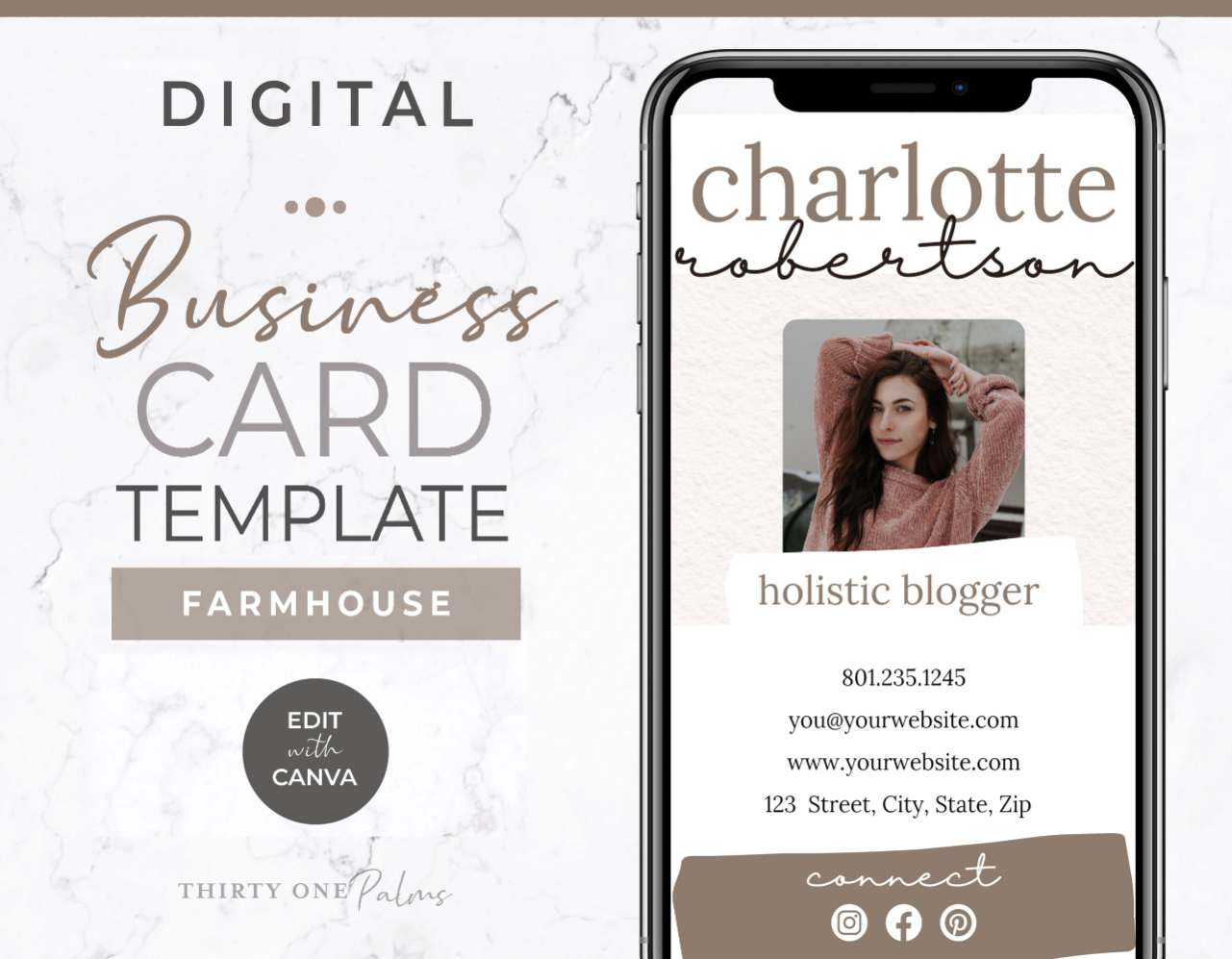
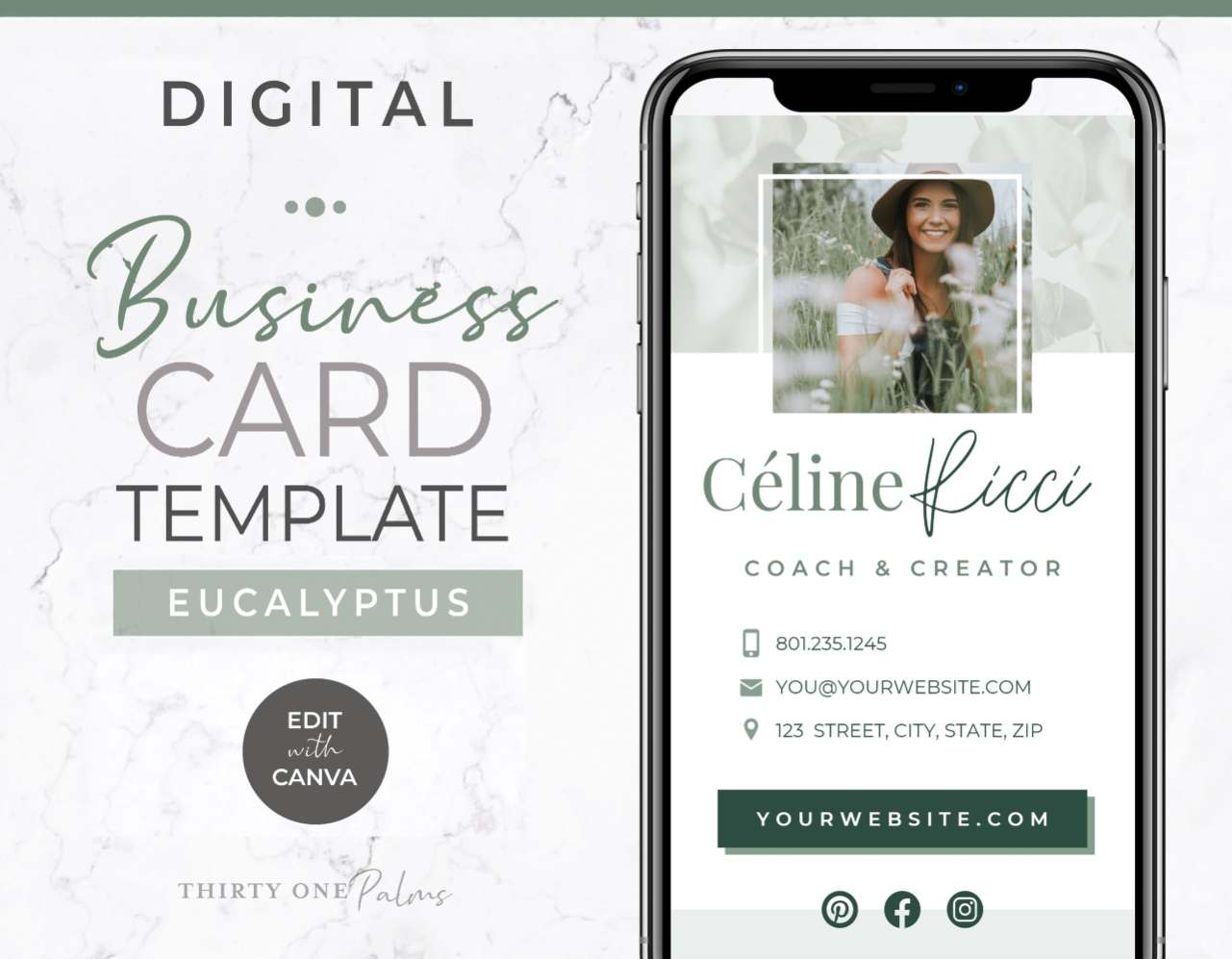
These DIY Canva digital business card templates offer a gorgeous solution to modern networking. These templates allow you to skip the printing and deliver your brand directly into your potential client’s phone in seconds.

Network Smarter and Share Your Info Instantly

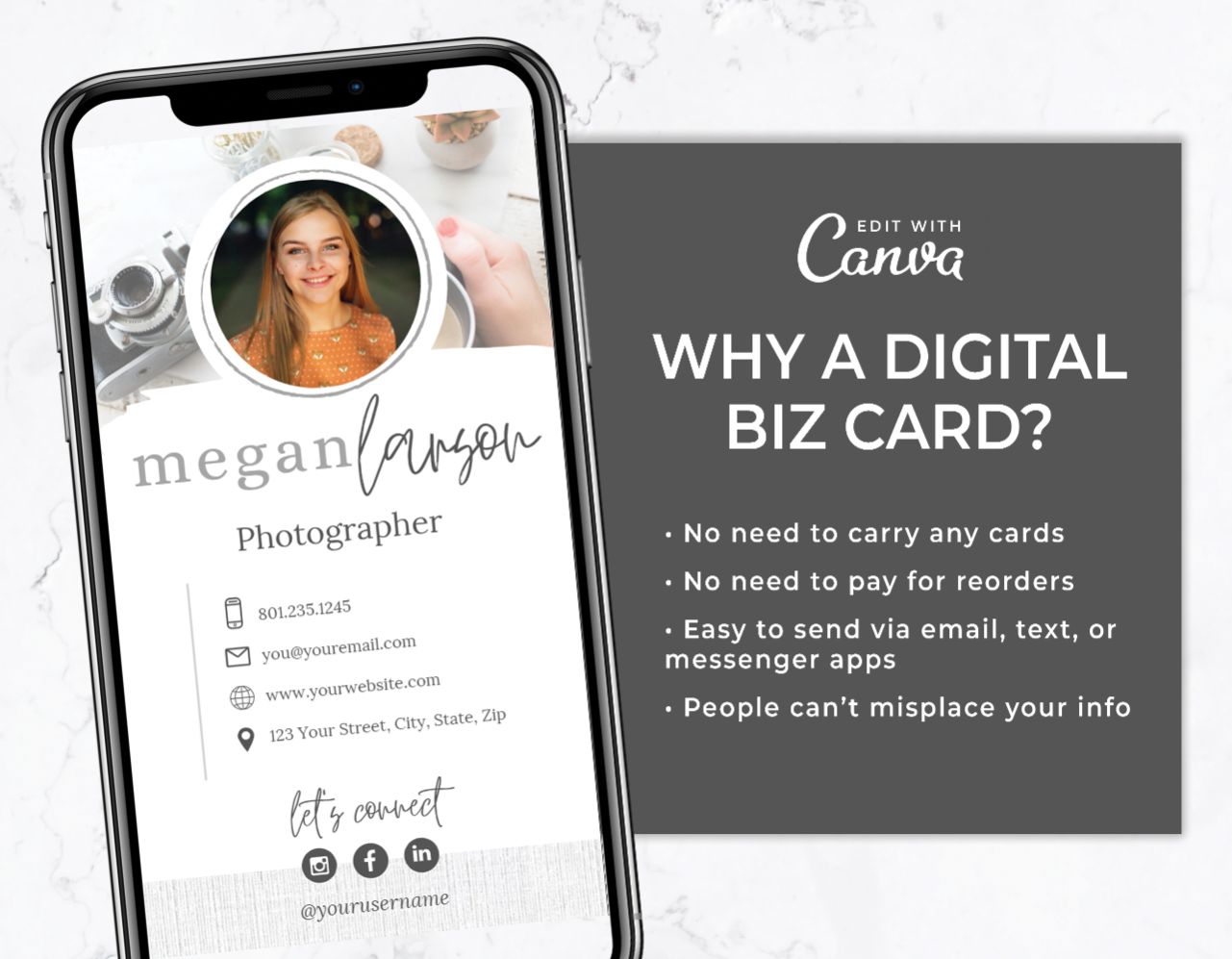
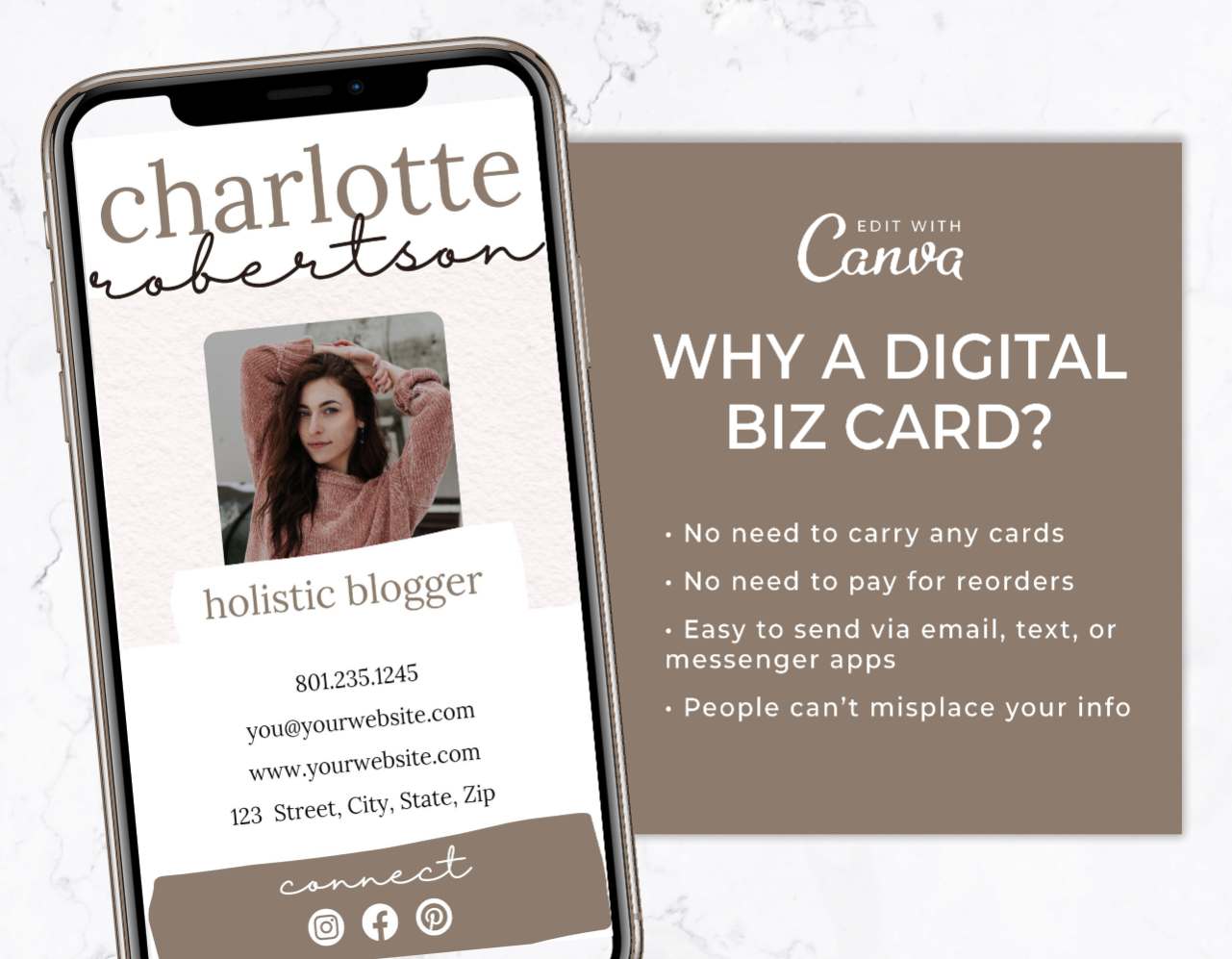
The biggest problem with physical business cards is that the moment you change your phone number, launch a new website, or rebrand, your entire stash becomes totally useless. Digital business cards save you by giving you an asset that you can update instantly without paying for new cards!

You can easily drag and drop your headshots, type in your links, and save your design right from Canva. Text or email it directly to your contacts and new people you meet at networking events.

What You Can Create with These Templates

These digital business card templates are designed to help entrepreneurs and creatives connect effortlessly:

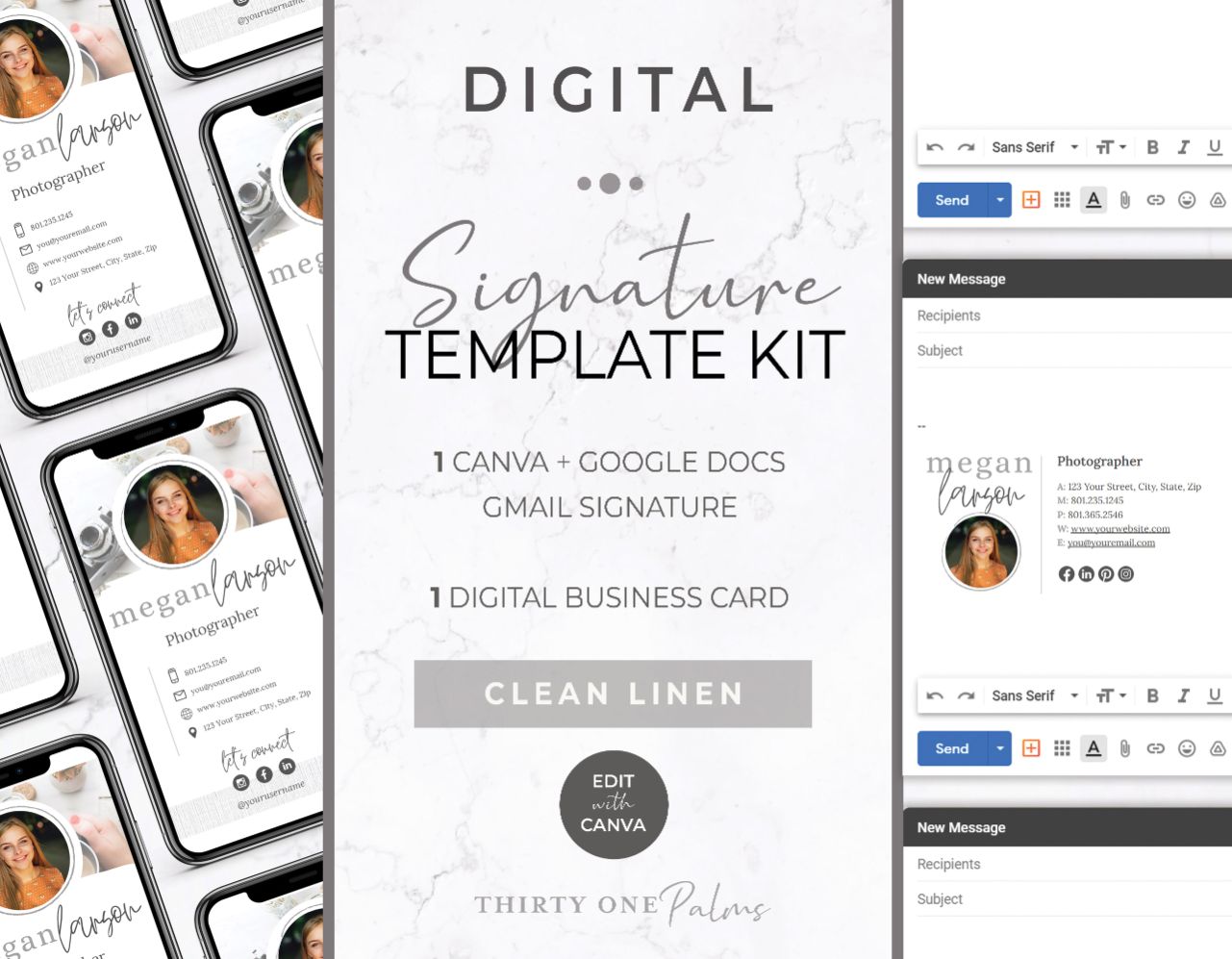
Contactless Networking Cards: Design a mobile-sized graphic to save to your camera roll so you can quickly AirDrop or text your details to new connections.

Clickable PDF Assets: Export your file as a Standard PDF and email or message it to leads. This ensures your website, social media handles, and booking links remain completely clickable!

► LinkedIn & DM Attachments: Skip the awkward introductory paragraphs and send your digital card as an image attachment in your social media direct messages when networking or pitching your services.

Frequently Asked Questions

Are these digital card templates difficult to set up if I’m not tech-savvy?

Not at all! Every digital business card template is designed for Canva’s drag-and-drop editor. You can easily change the fonts, type in your contact details, drop in your own photos, and link your buttons to your specific URLs in just a few clicks if you’re saving as a PDF.

Do I need a paid Canva Pro account to use these templates?

No. All of our digital business card templates are built using free fonts and free graphics. You can customize your design using a standard free Canva account.

How do I actually share my digital business card with people?

You have two great options depending on your needs! If you want your buttons to be clickable, you can save your design in Canva as a PDF and share that file in your social media bios or via text. If you just want a static contact card, you can download the design as a PNG or JPG image and save it to your phone to easily text or AirDrop to people you meet in person!