
Shop Instagram Reels

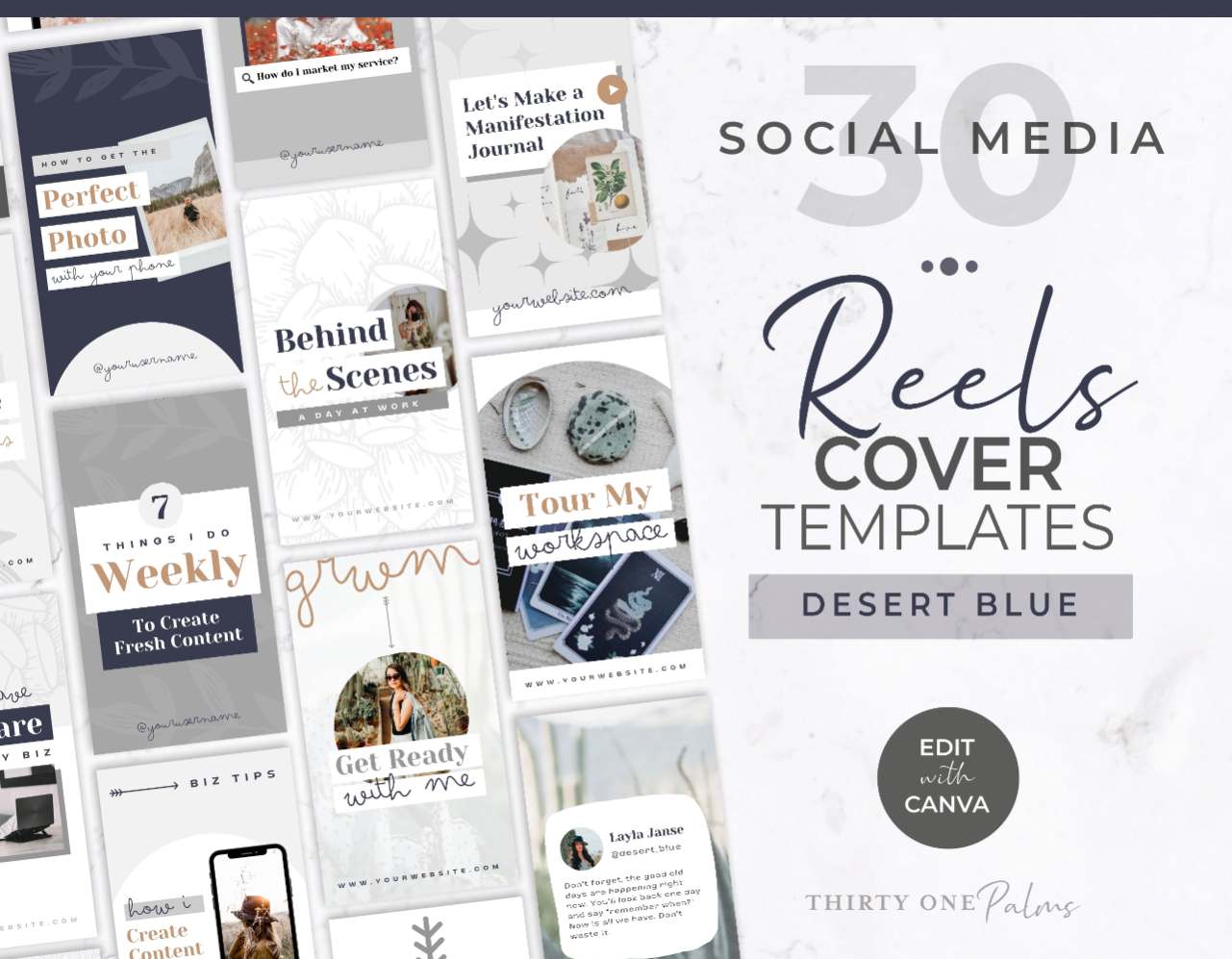
Canva Instagram Reels Cover Templates for Brands

Letโ€™s be real for a second: Reels are non negotiable if you want to grow your reach on Instagram right now. But while Reels are incredible for getting discovered by new people, letting Instagram pick a blurry, mid sentence screenshot as your video thumbnail is quietly killing your profile’s vibe, and watering down your brand. You really can have it all, a gorgeous feed AND reels that convert!

When a potential follower clicks over to your page to decide if they want to hit the “Follow” button, a messy, chaotic grid of random videos with no cohesive elements screams amateur. These DIY Canva Instagram Reels Cover templates are designed to instantly clean up your profile, build authority, and make your grid look like an established brand without spending hours playing graphic designer.

The Strategy: Your Covers Are Your “Headlines”

A Reels cover is not just about keeping your grid “pretty”, it is an important piece of your content strategy. Think of your profile grid as your personal Netflix dashboard. When someone discovers you and scrolls through your page, they are looking for a reason to stay. If your videos don’t have clear, readable text on the covers telling them exactly what the video is about, they aren’t going to click and watch your older content.

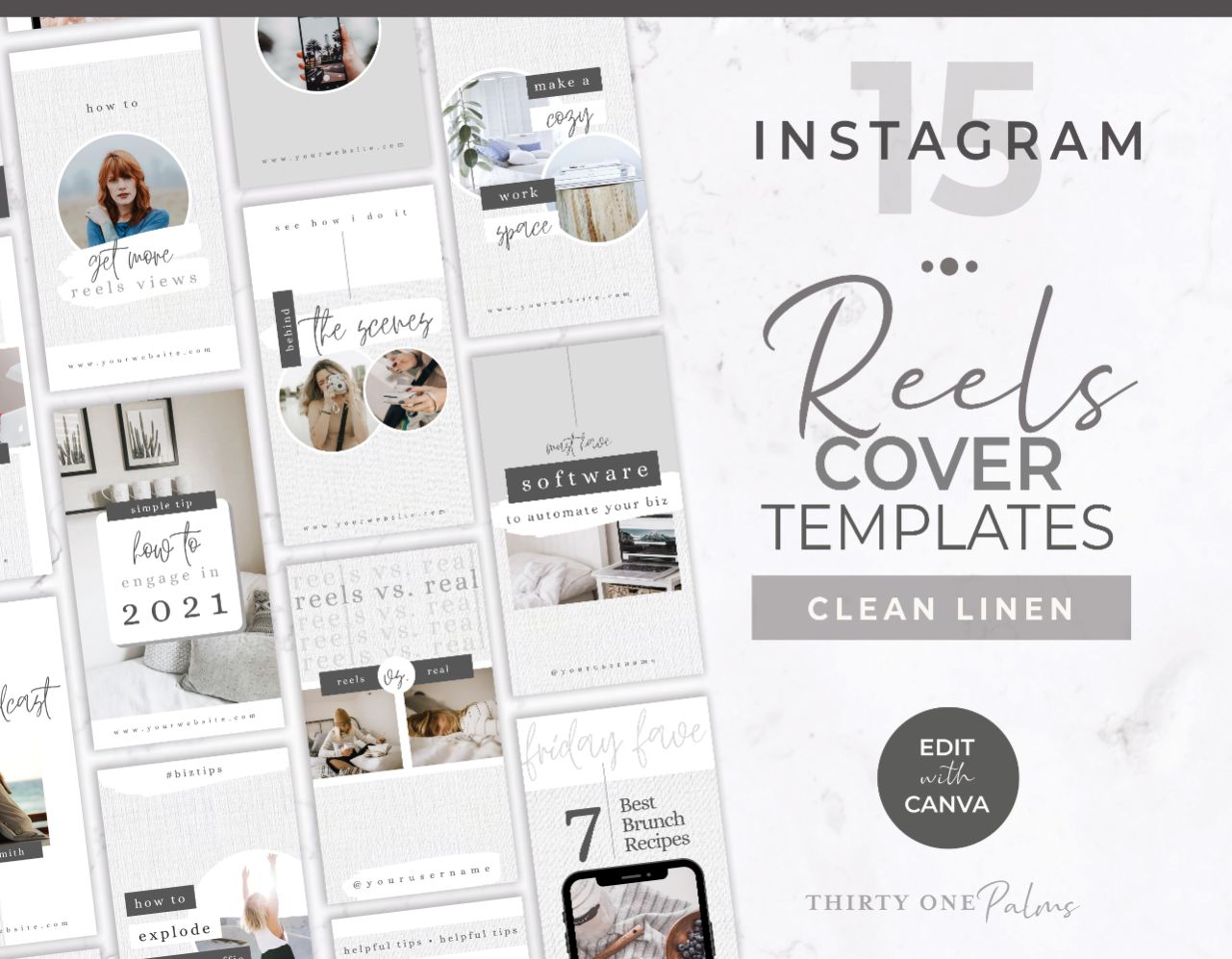
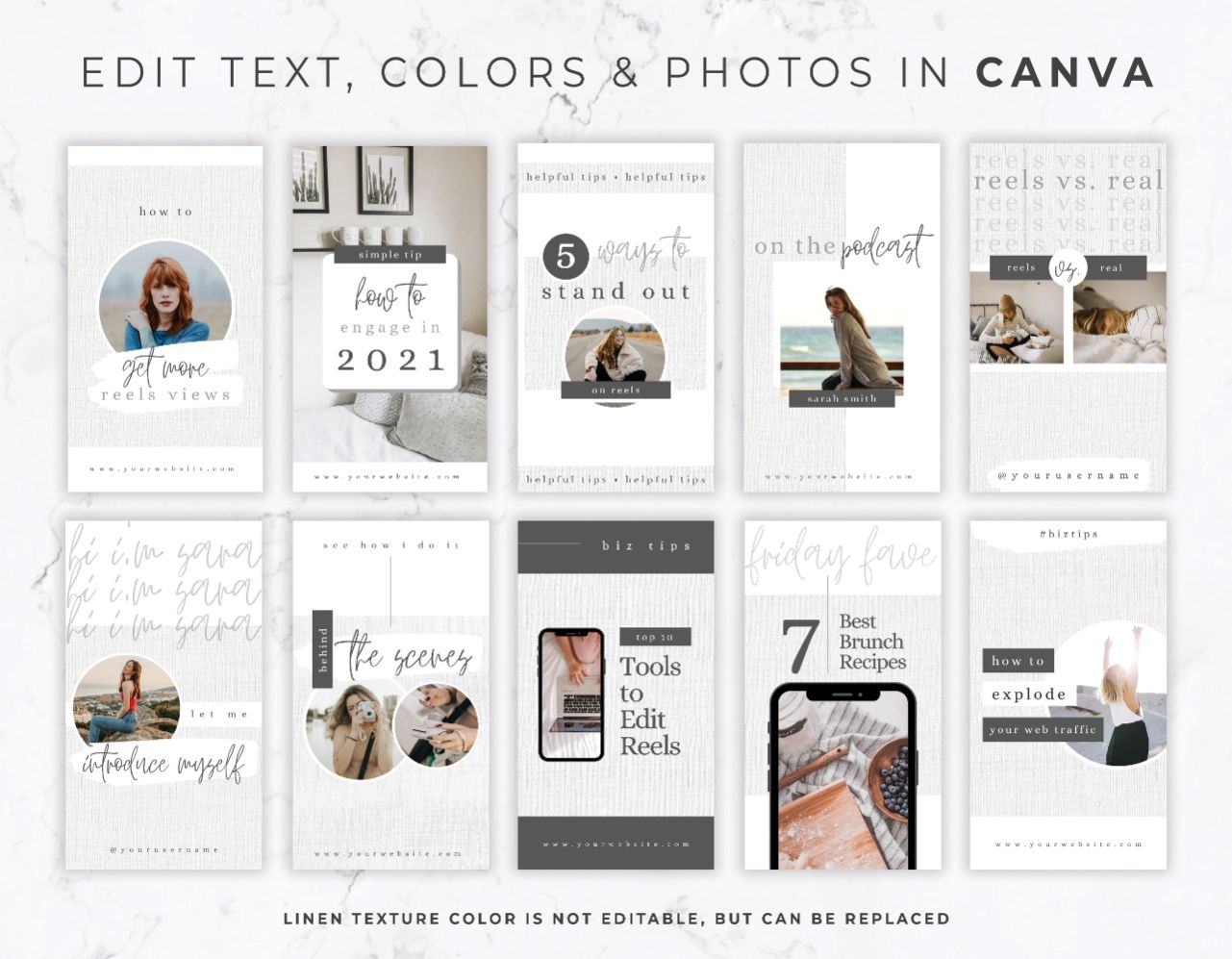
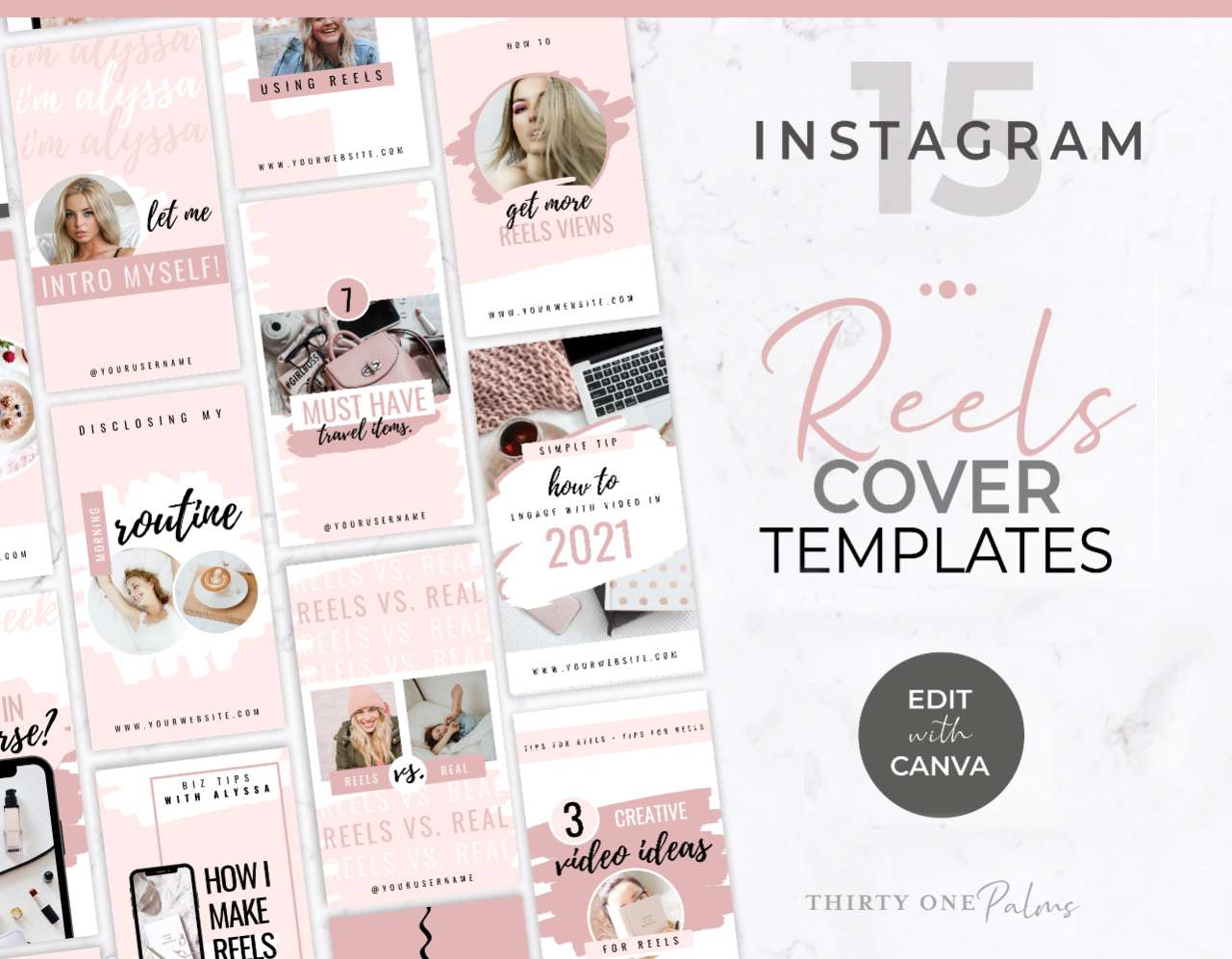
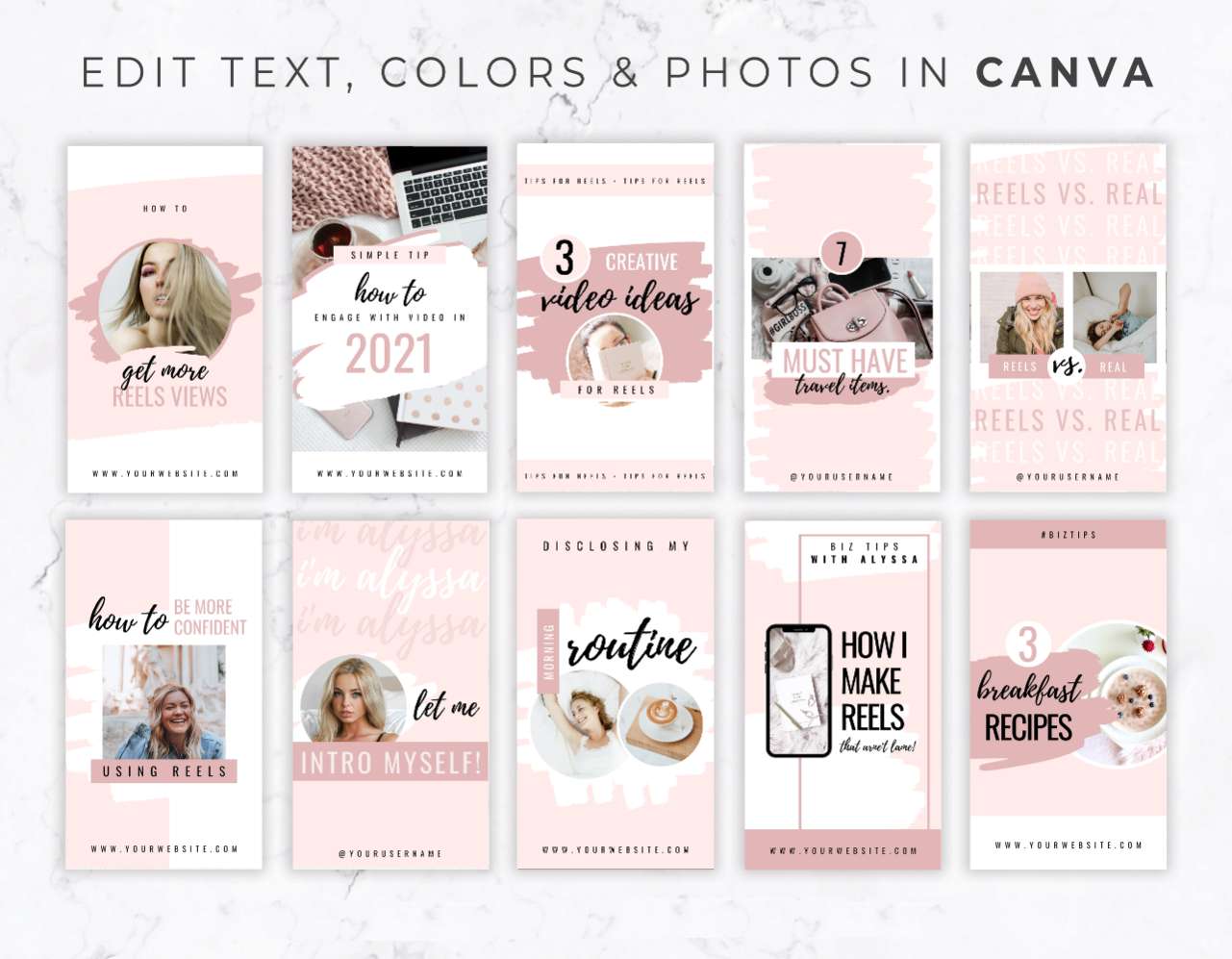
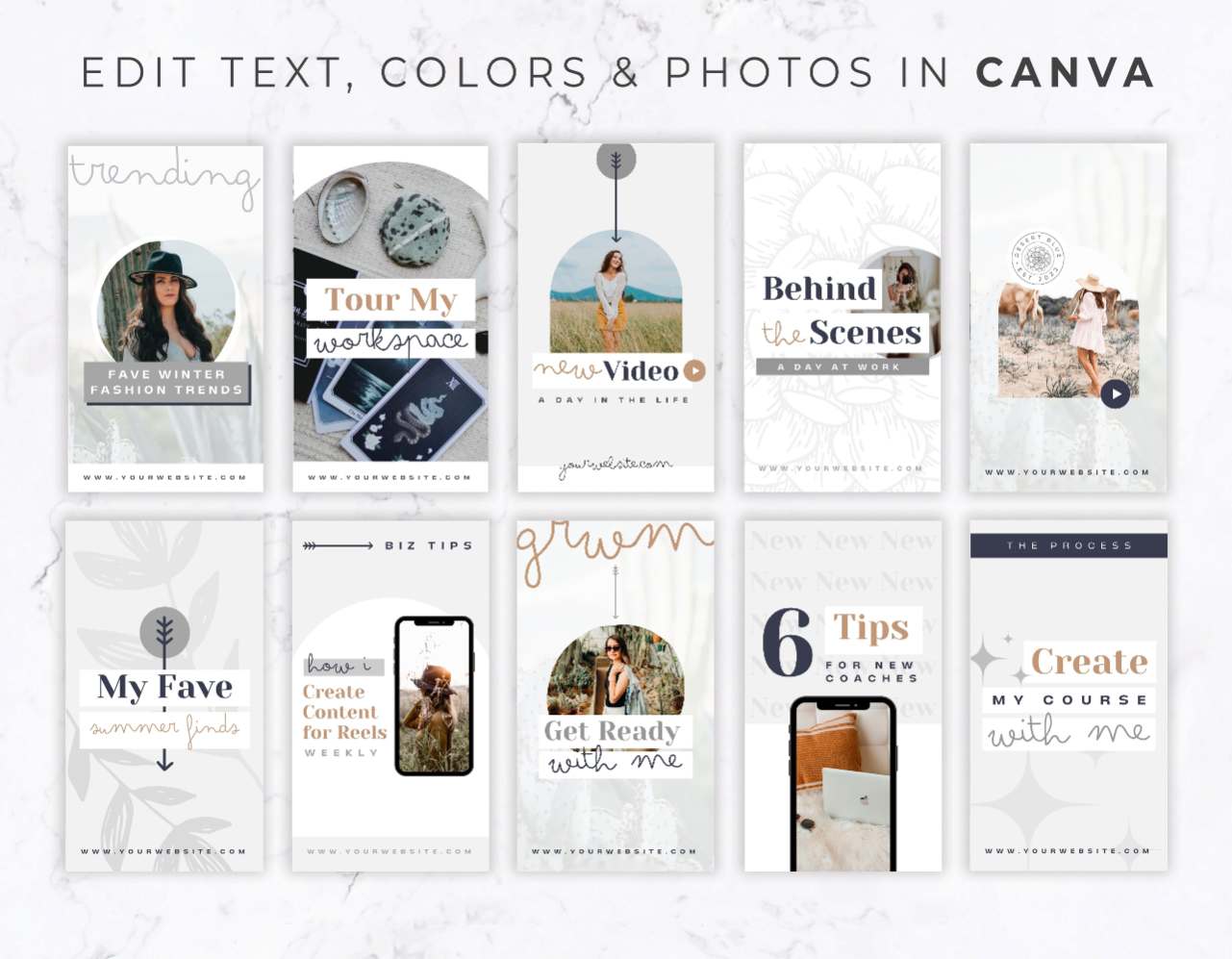
Our Reels cover templates give you unique and on brand layouts that act as bold, click worthy headlines. You just drop in your photo, type out your video’s main hook, and give your audience a reason to binge your content.

Stop Staring at a Blank Screen and Start Posting Reels Fast

You already spent enough time scripting, filming, and editing your actual video, you shouldn’t have to spend another 30 minutes designing the thumbnail or be stuck with some bland screenshot. By using a pre made branded cover, you completely eliminate layout frustration. You just open your Canva file, duplicate your favorite slide, paste your title, and hit download. It speeds up your posting workflow and makes your brand looks cohesive and unique every single time.

What You Can Create with These Templates

These Reels cover layouts fit perfectly into Instagram’s specific dimensions (including the all-important 1:1 center grid crop) to help drive clicks on any view.

โ–บ Educational Hook Covers: Drive replay value with bold, easily readable text that tells your audience exactly what framework, list, or tip they are about to learn.

โ–บ Podcast & Interview Highlights: Give your talking head clips and audio snippets an on brand authoritative look so your profile grid stays clean.

โ–บ Vlog & Behind-the-Scenes Frames: ย Share your raw, authentic “day in the life” content while using minimal, aesthetic text layouts that keep your brand vibe intact. Just because users resonate with content that is authentic, real and imperfect, doesn’t mean it can’t be on brand!

โ–บ Product & Sale Teasers: Launch your new digital products, physical inventory, or seasonal sales with scroll stopping covers that live on in the feed and attract new buyers even after your promos are over!

Frequently Asked Questions

Are these templates easy to customize if I don’t have a design background?

Absolutely! You don’t need to be a designer to make your grid look amazing. Every layout is built for Canva’s simple drag-and-drop editor. Just click to update the text with your video’s hook, drag your brand photos into the background, and adjust the colors to match your brand in minutes.

Do I need a paid Canva Pro subscription to use these?

Nope! We purposely built all of our Reels cover templates using free fonts and design elements. You can edit, duplicate your favorite layouts, and download everything using a free Canva account.

How do I make sure the text doesn’t get cut off on my profile grid?

Weโ€™ve done the math for you! These templates are specifically designed with Instagramโ€™s grid in mind. All of the important text and graphics are kept within the center “safe zone,” meaning your covers will look perfect whether someone is viewing them in the full 9:16 Reels feed or looking at the cropped view on your main profile grid.

How do I add this cover to my actual video

It’s easy. Download your finished design from Canva as a PNG or JPG to your phone. When you are on the final publishing screen of your Reel in the Instagram app, tap “Edit Cover” directly on the video preview. Choose “Add from Camera Roll,” select your new Canva graphic, and hit post!