
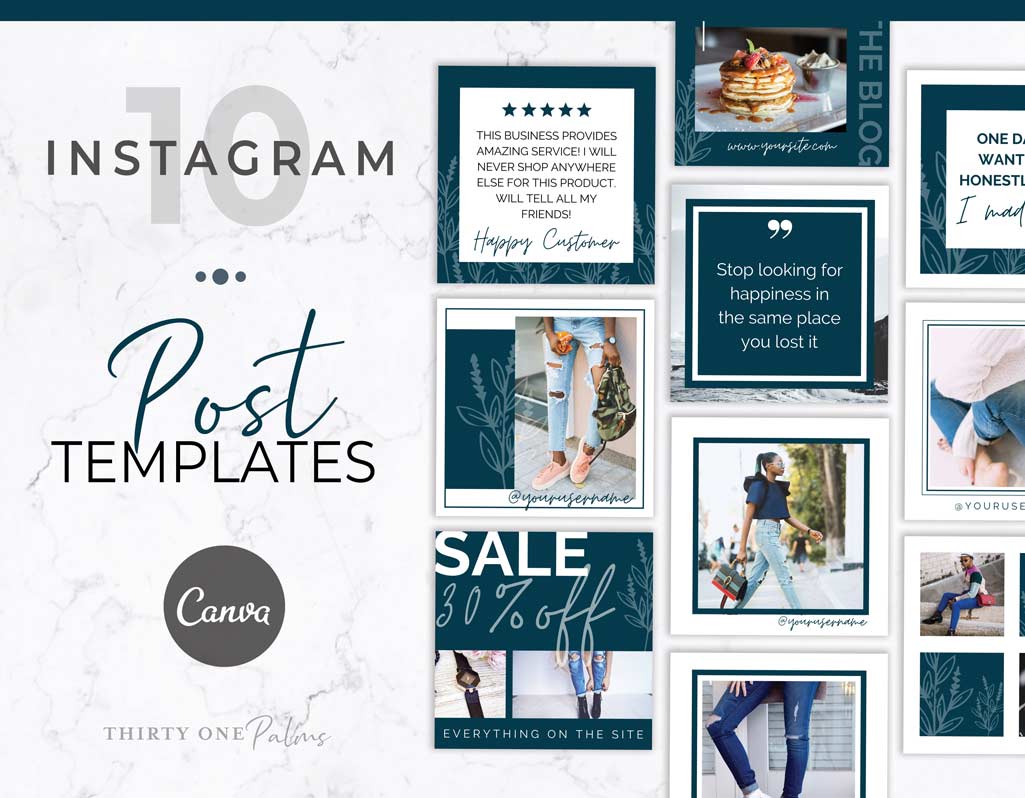
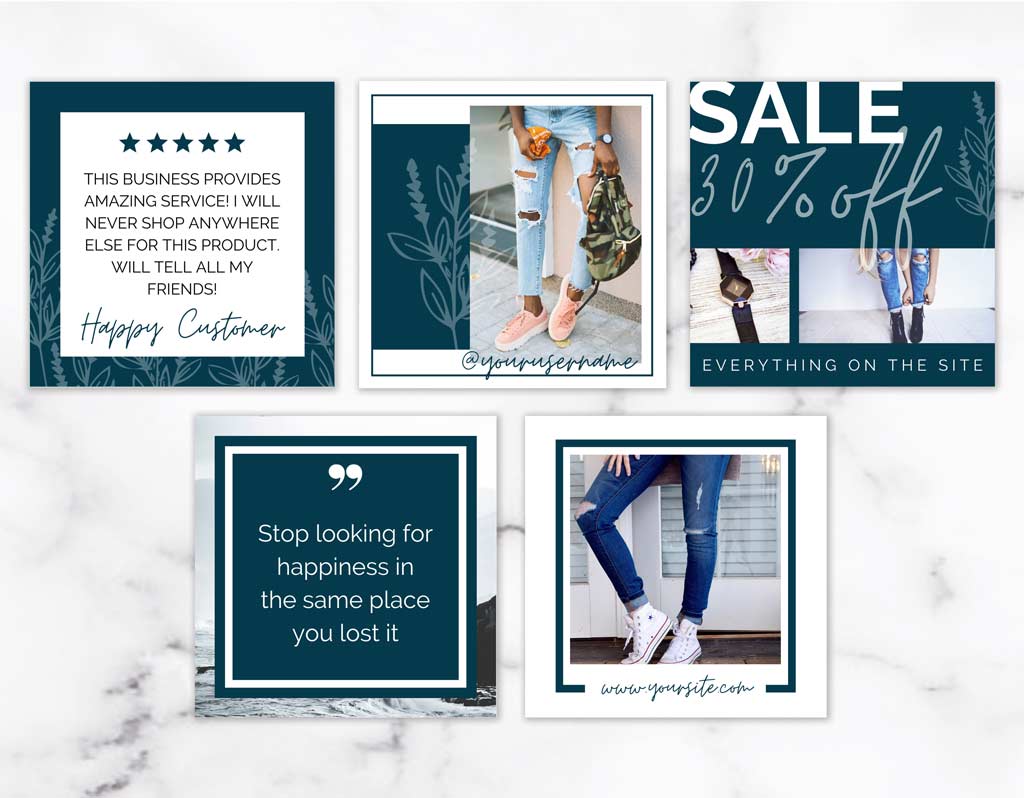
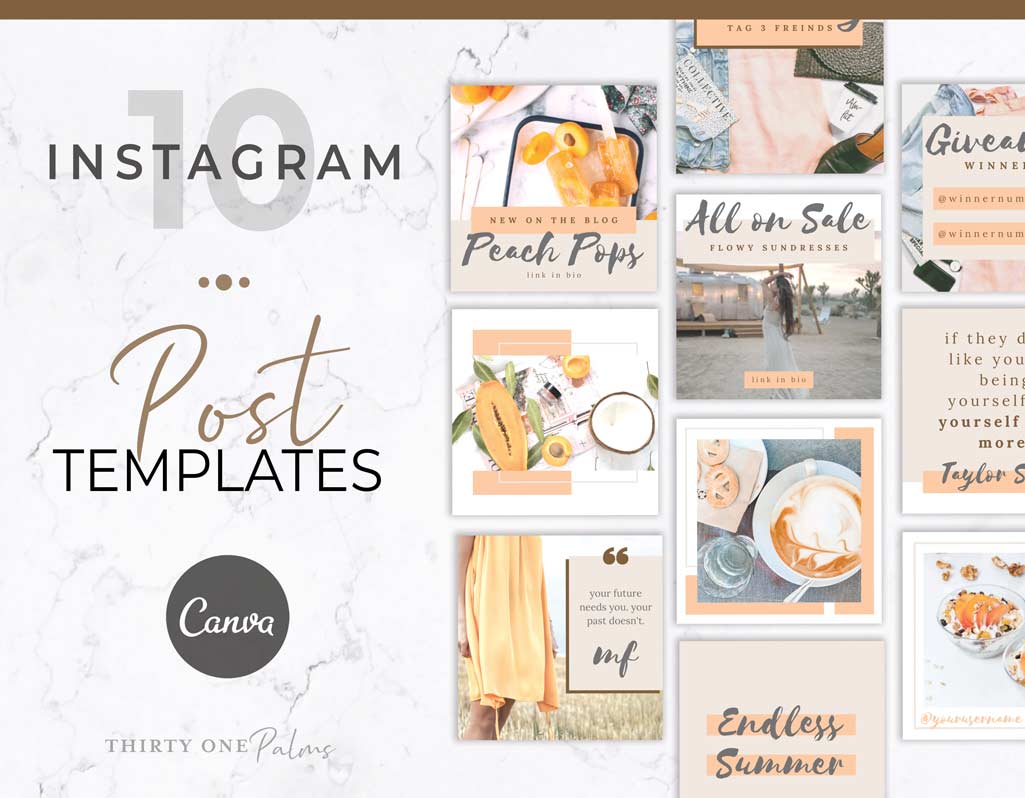
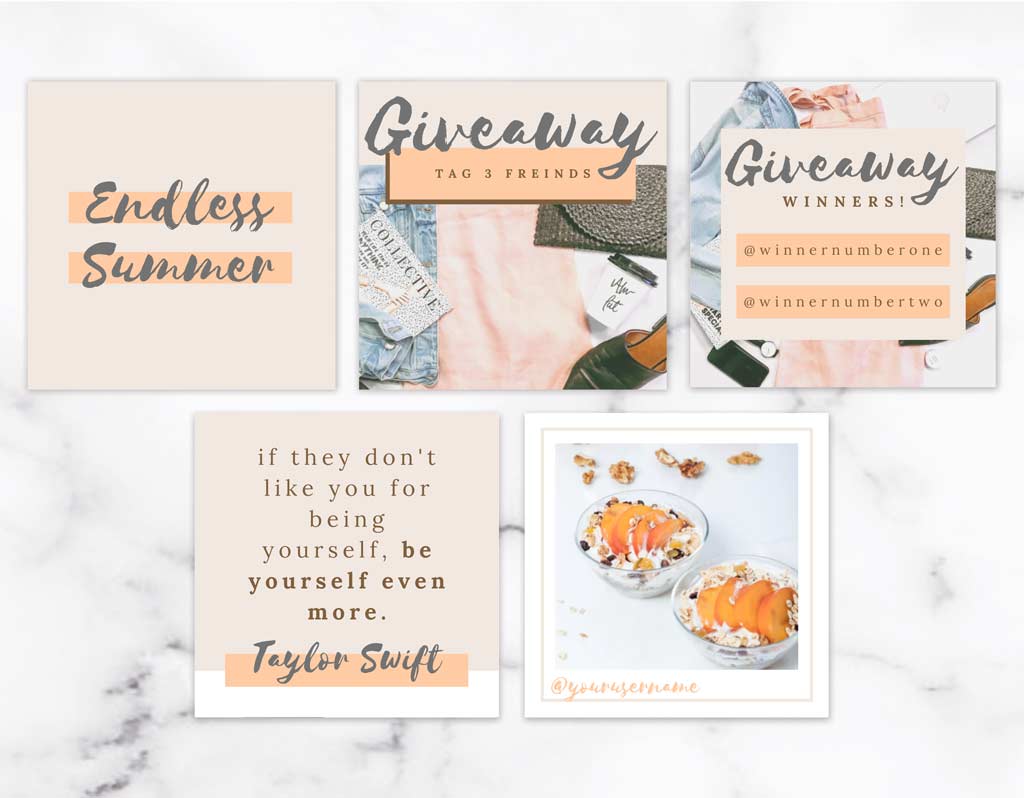
Shop Instagram Posts

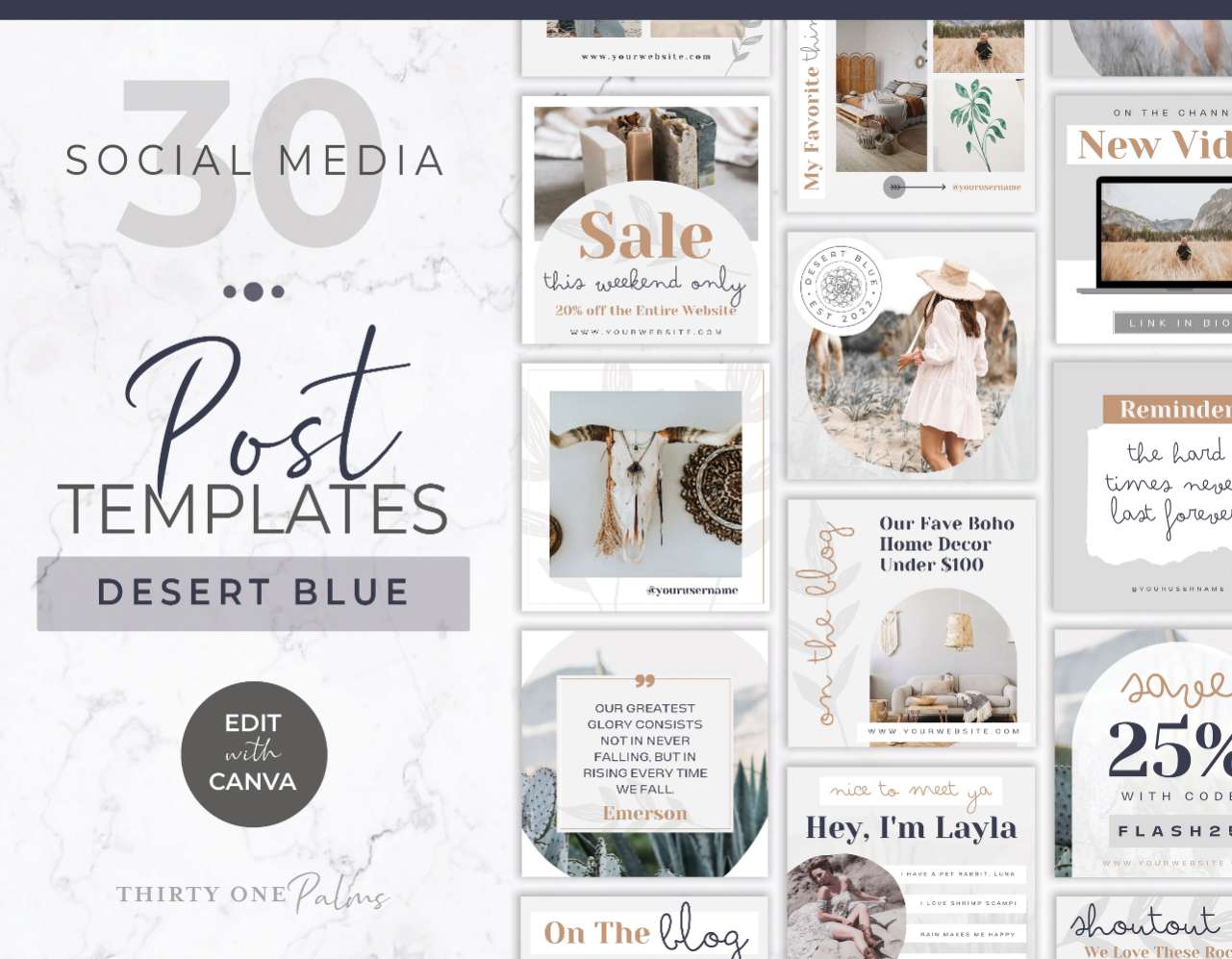
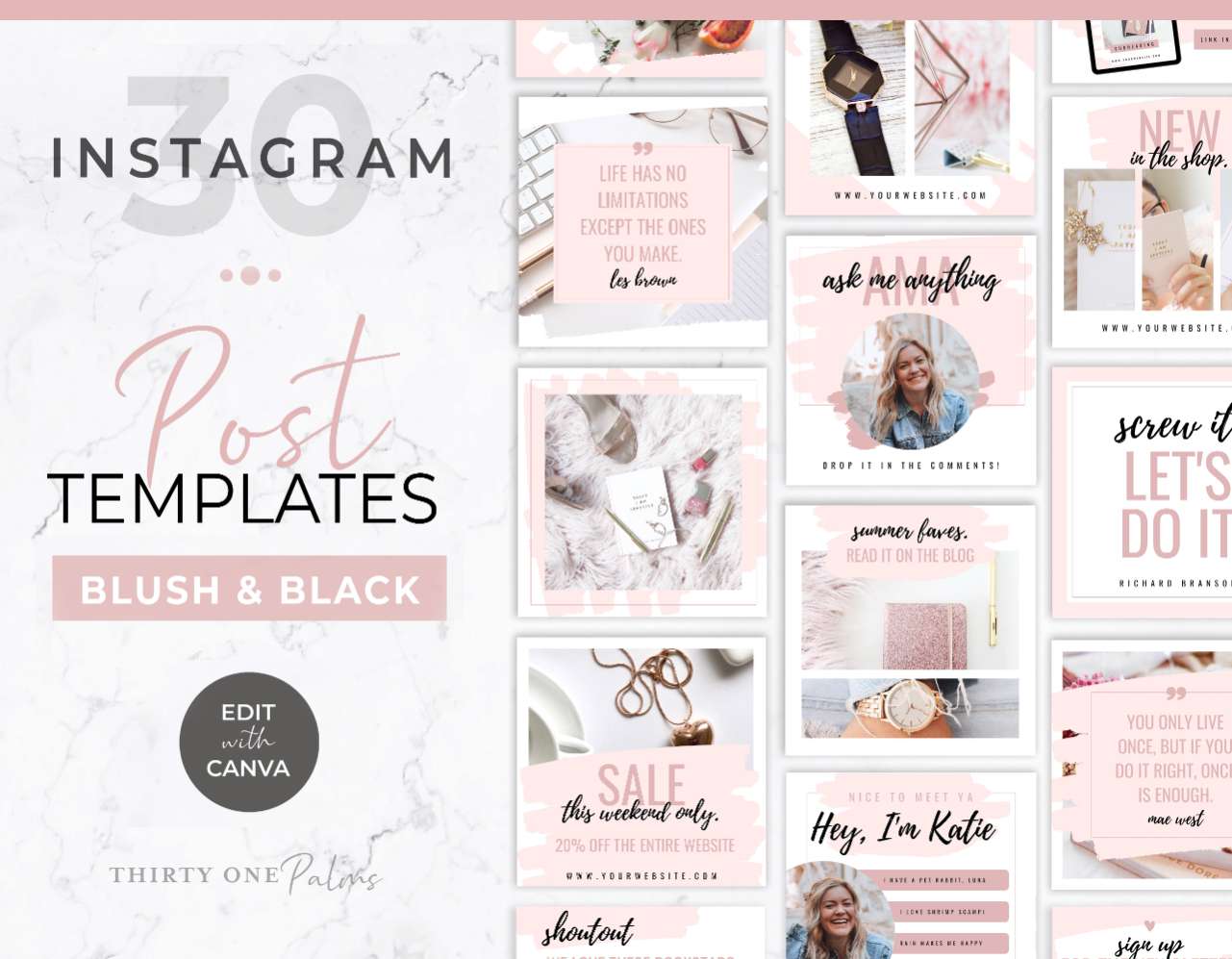
Strategic Canva Instagram Post & Seamless Carousel Templates for Brands

Letโ€™s be real for a second: slapping a generic quote onto your grid and hoping for sales just doesn’t work anymore. Todayโ€™s Instagram algorithm rewards high value, strategic content that makes people stop scrolling, save for later, and actually read. But trying to package your hot takes, educational content and tips into cohesive, professional designs can easily eat up hours of your day.

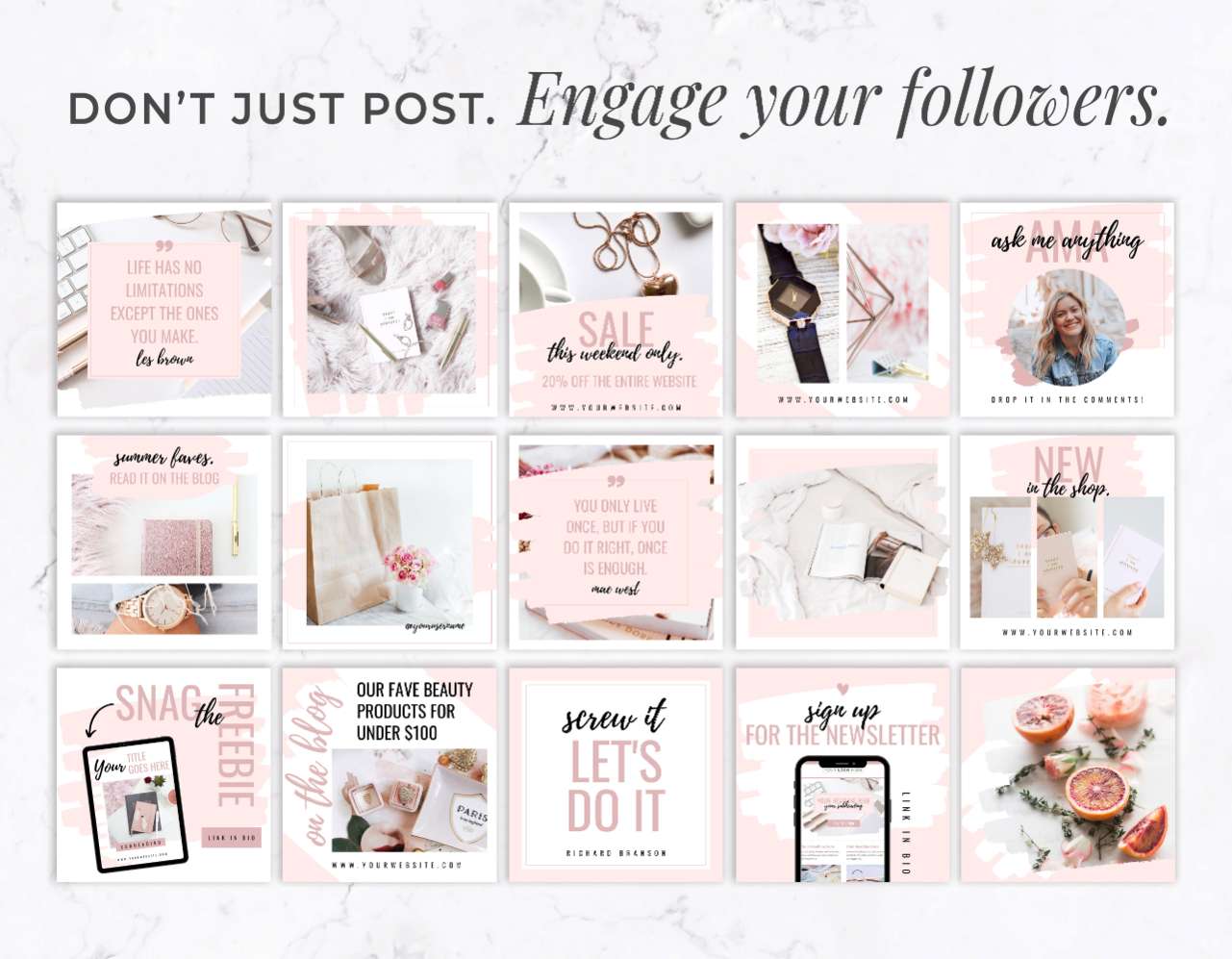
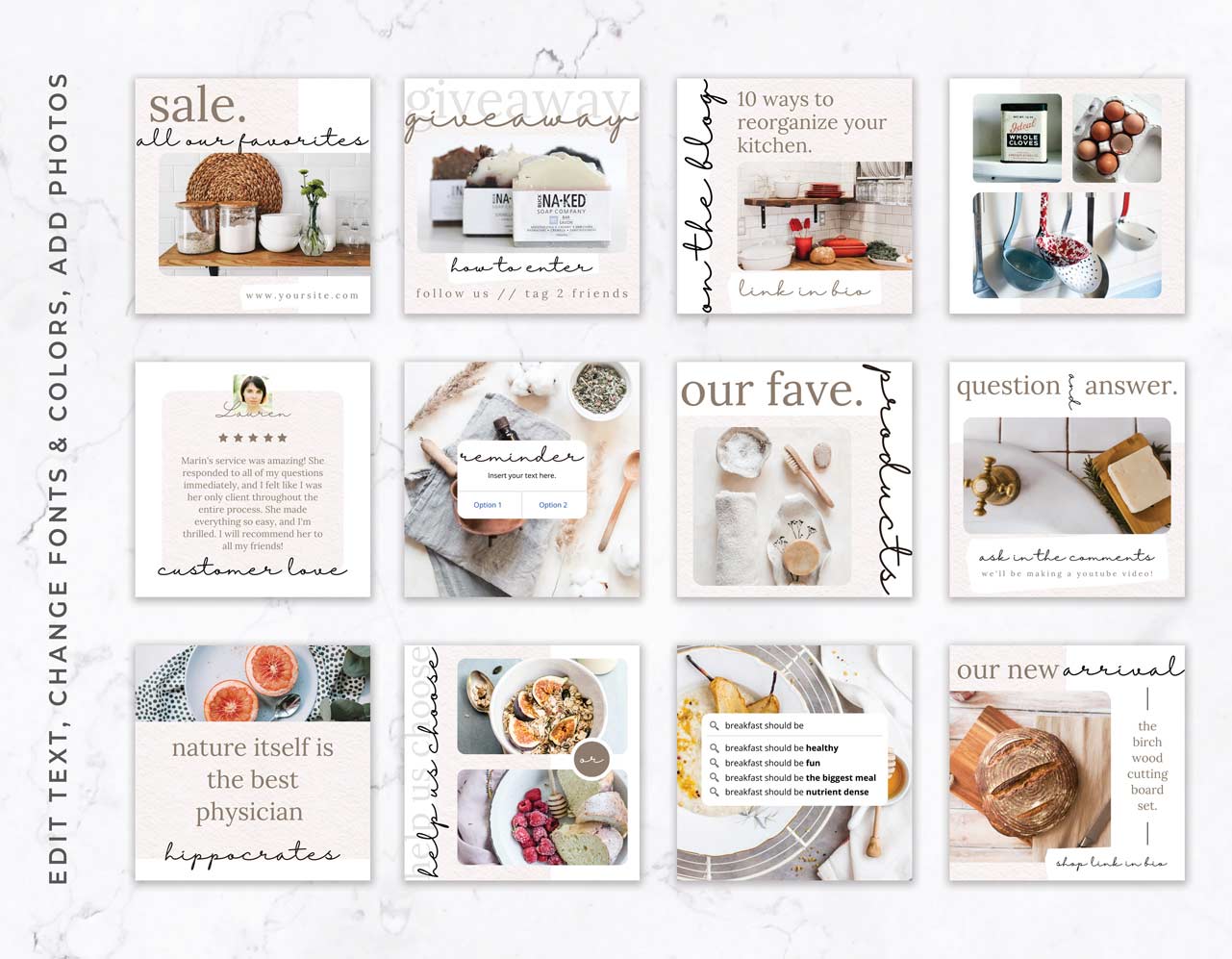
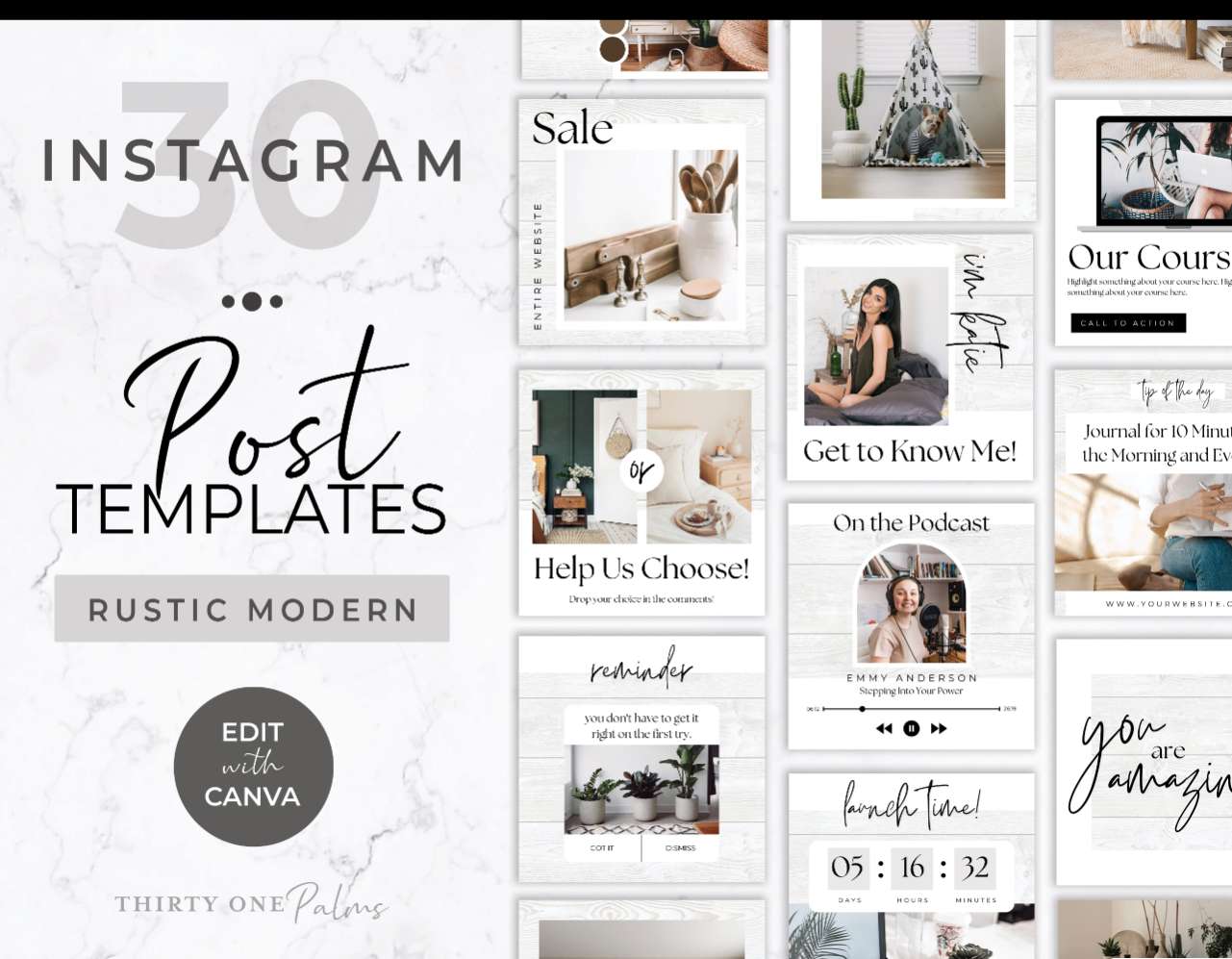
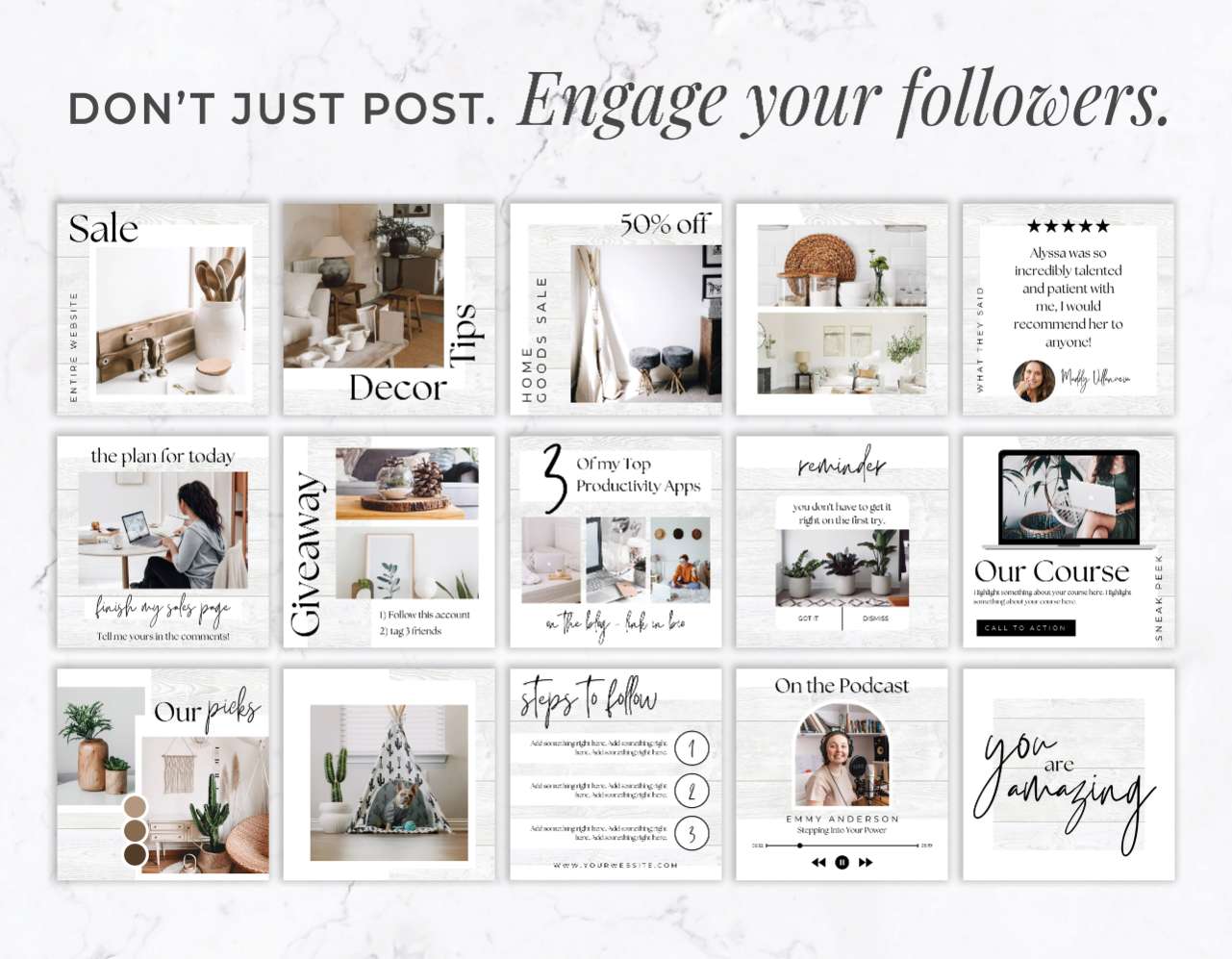
These DIY Canva Instagram templates aren’t just about making your feed look pretty. They’re designed to be the perfect container for your content strategy. Weโ€™ve done the heavy lifting on the layouts so you can focus strictly on the messaging. Whether you are building out a value packed, 10-slide seamless carousel or creating a shareable text or chart post, you just plug in your content, swap out the photos, and hit download. It is all about getting your strategy out into the world faster, without having to play graphic designer every single morning.

The Power (and Pain) of the Seamless Carousel

Letโ€™s talk about carousels specifically. Aside from reels, multi slide carousels are the best way to grow and build authority on Instagram right now. Every time a user swipes to the next slide, it increases their “time on post,” which tells the algorithm your content is highly valuable and pushes it out to more people.

But building a seamless carousel from scratch? It is a layout nightmare. Trying to figure out where to put your text so it isn’t cut off, making sure the graphics flow perfectly from one slide to the next, and keeping the design from looking cluttered takes way too much time. Our templates give you pre structured, flawlessly connected slides. You just break your caption or framework down (or start with our suggested content prompts!), paste one thought per slide, and instantly have a high converting seamless carousel ready to publish.

Stop Staring at a Blank Screen and Start Sharing

A great strategy only works if people actually see it. If your incredible advice is buried in a hard to read layout, people will scroll right past it. These templates provide easy to understand bold designs that guide your reader’s eye exactly where you want it. They help you post faster, show up consistently, and build an Instagram presence that looks like a premium brand.

What You Can Create with These Templates

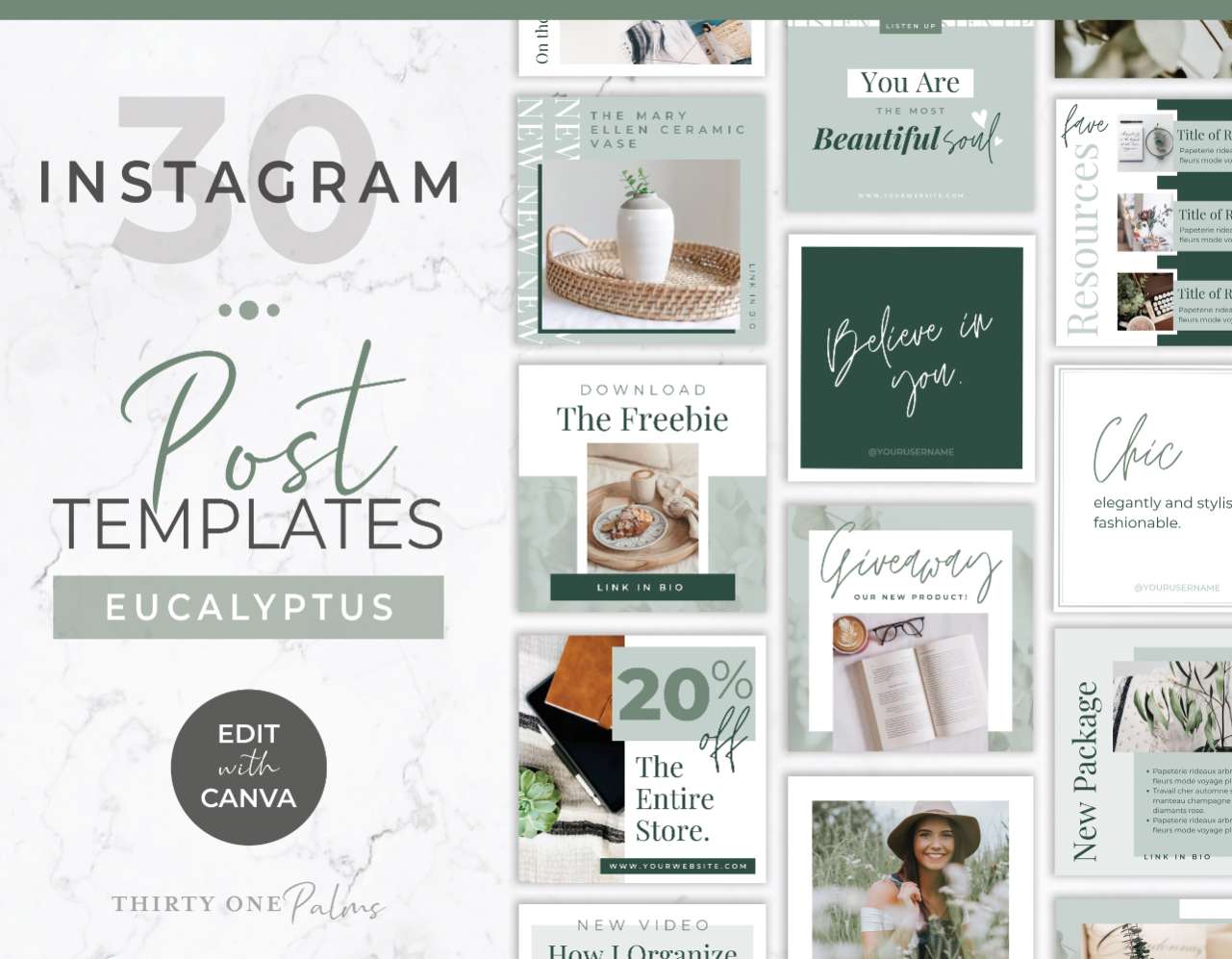
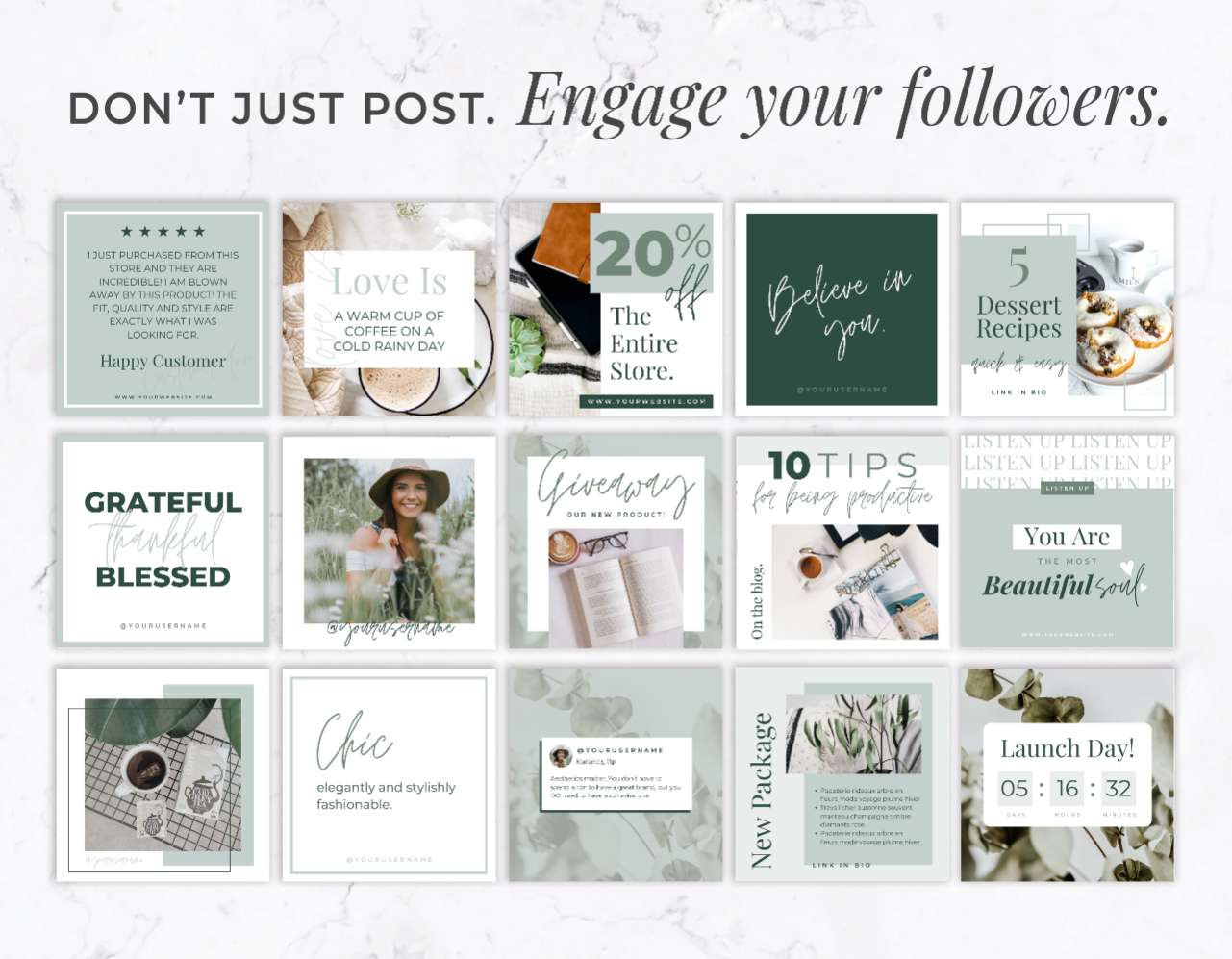
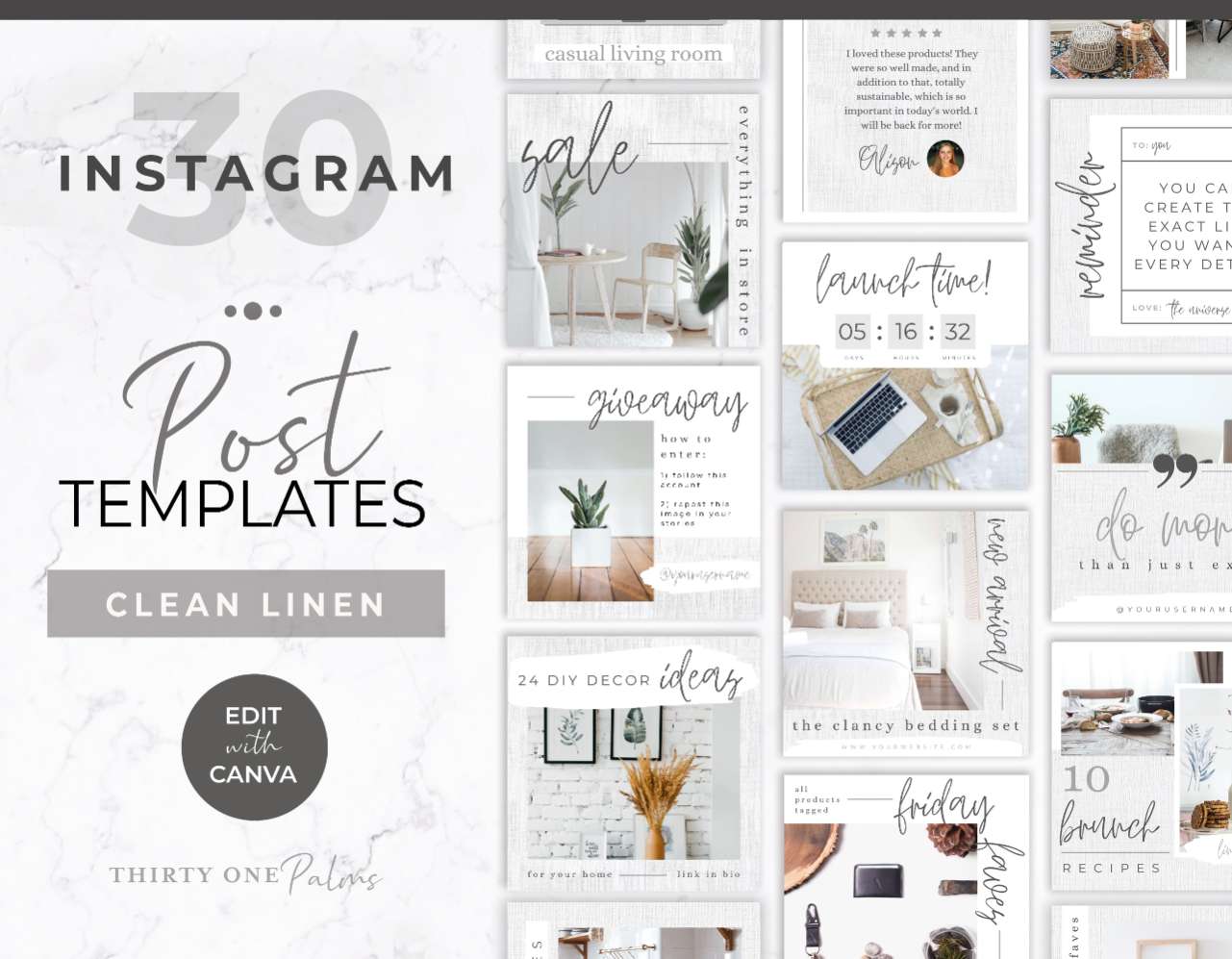
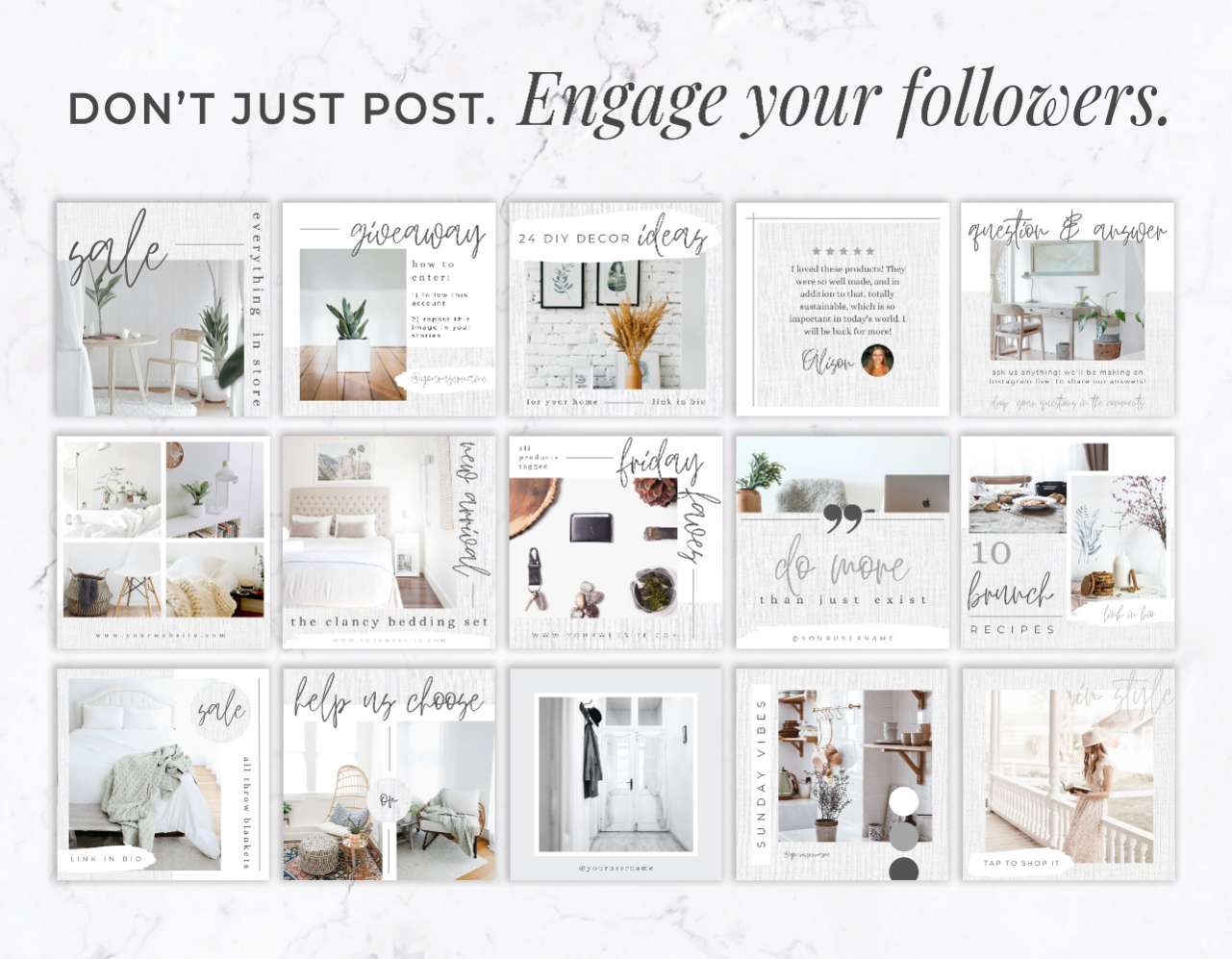
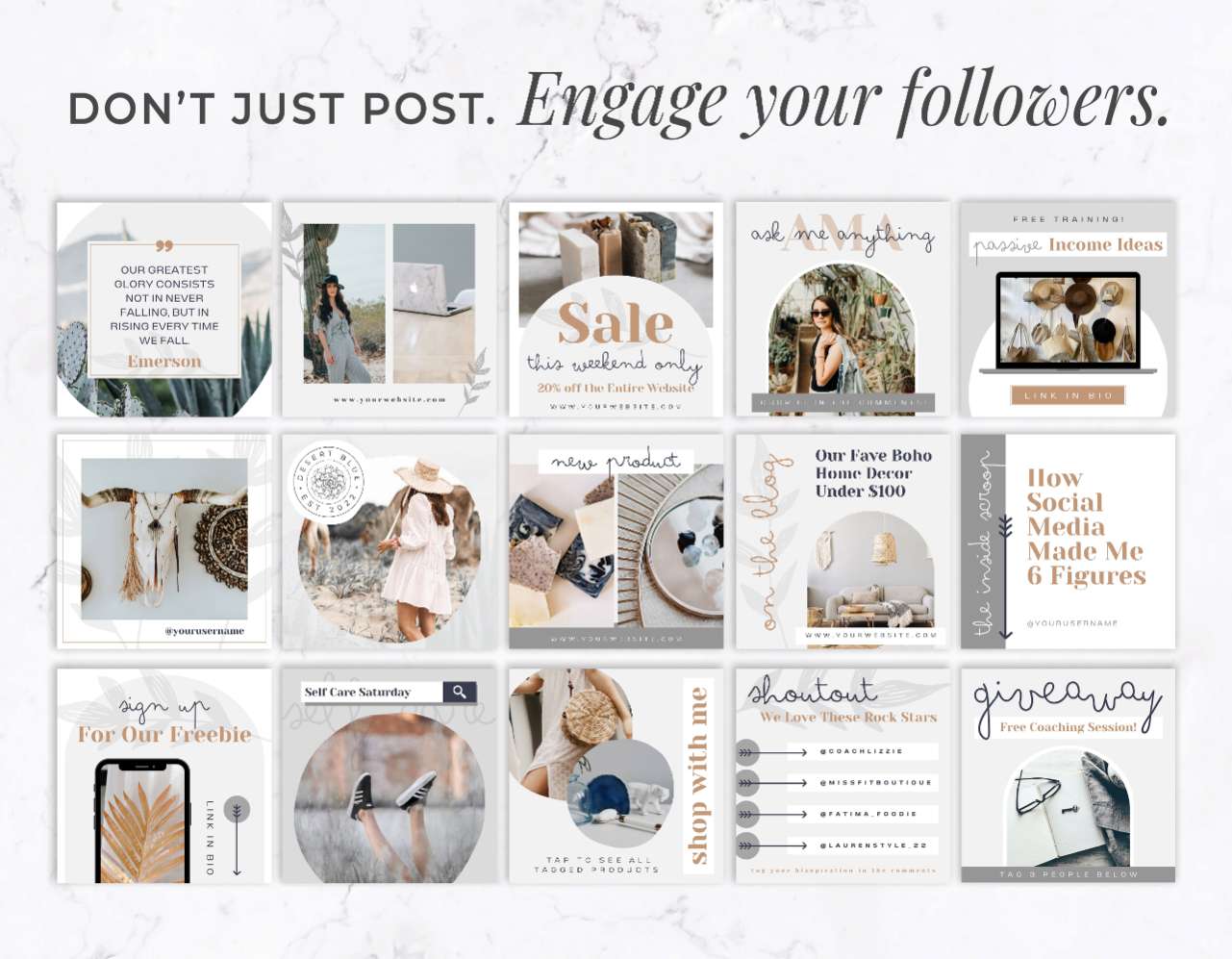
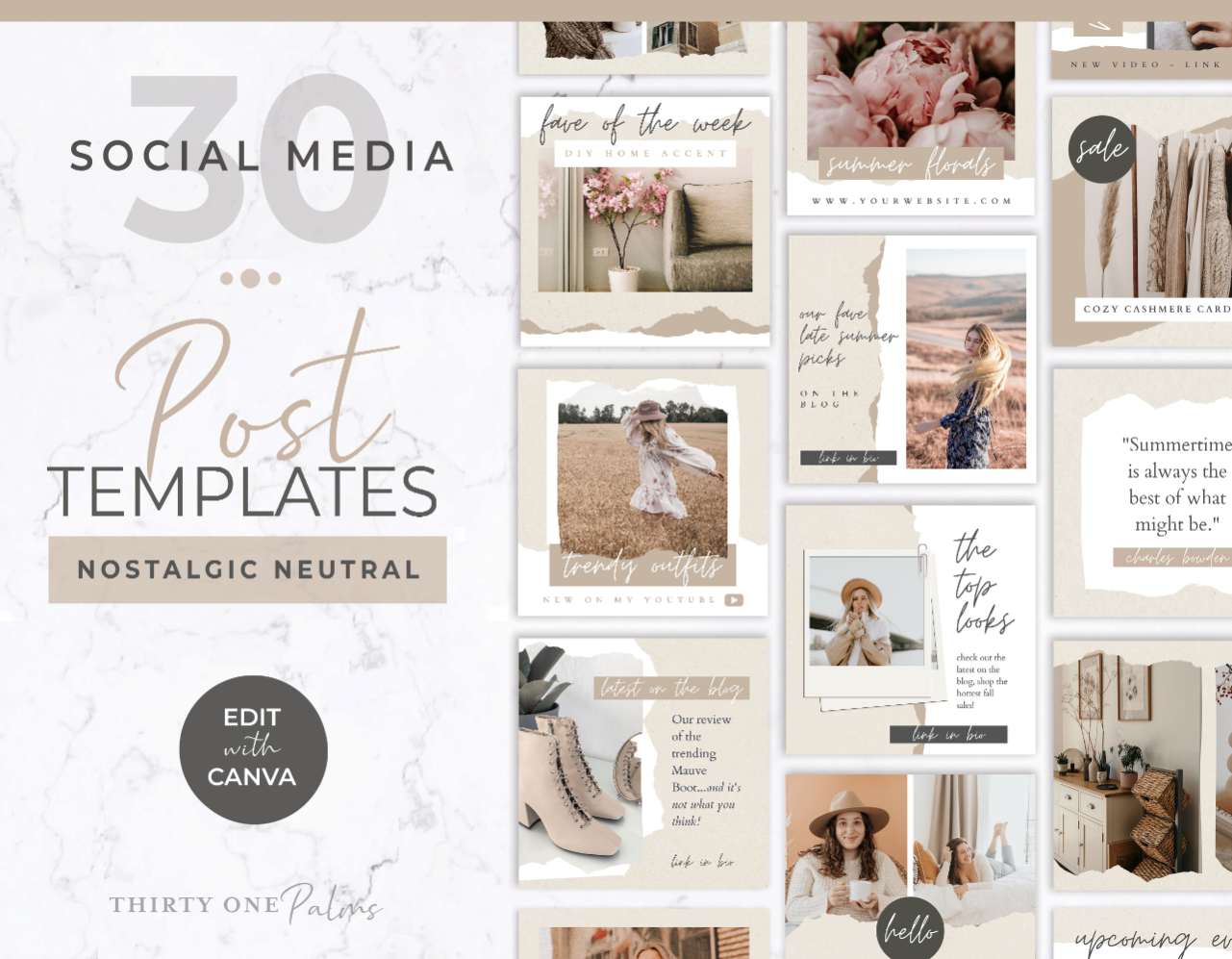
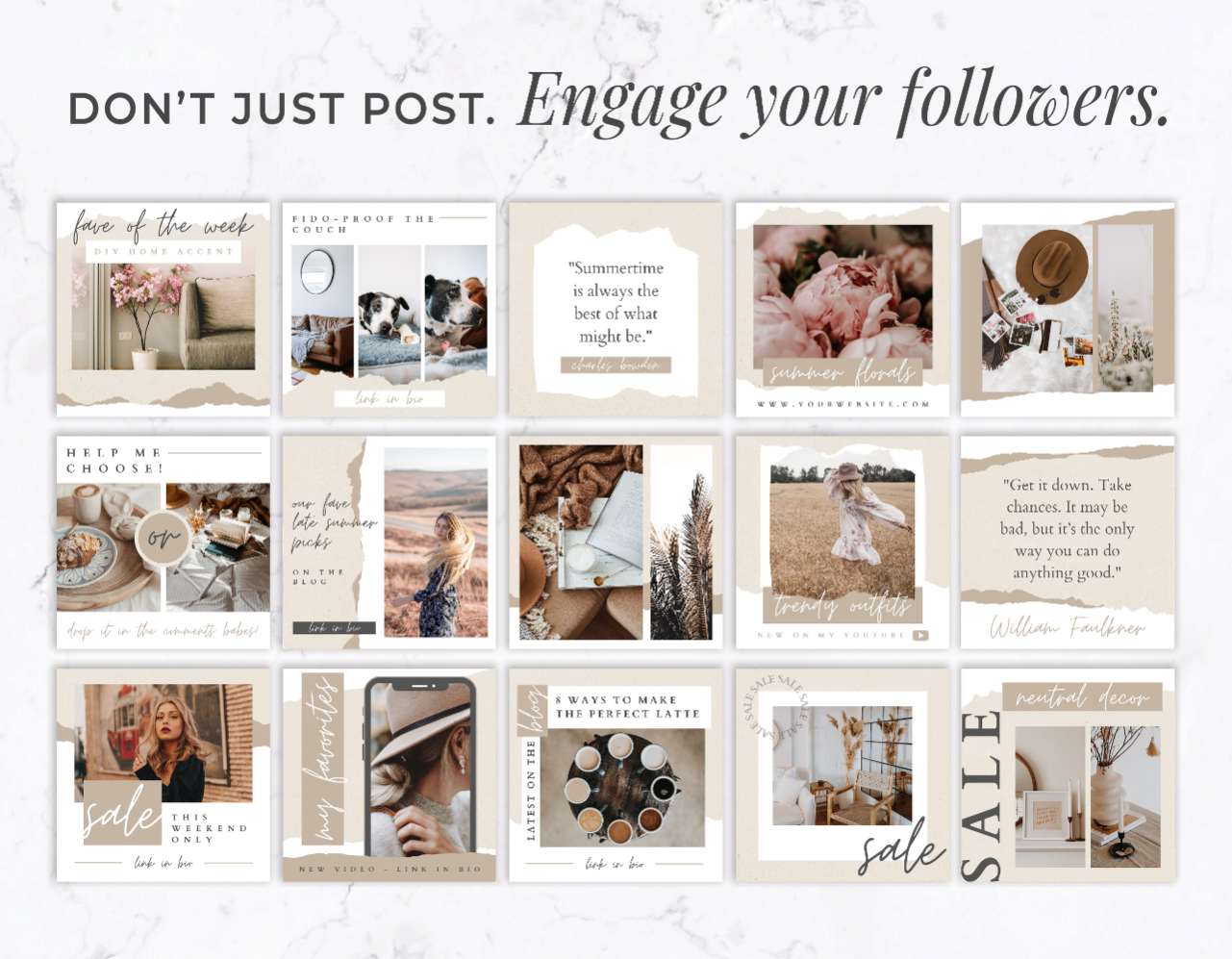
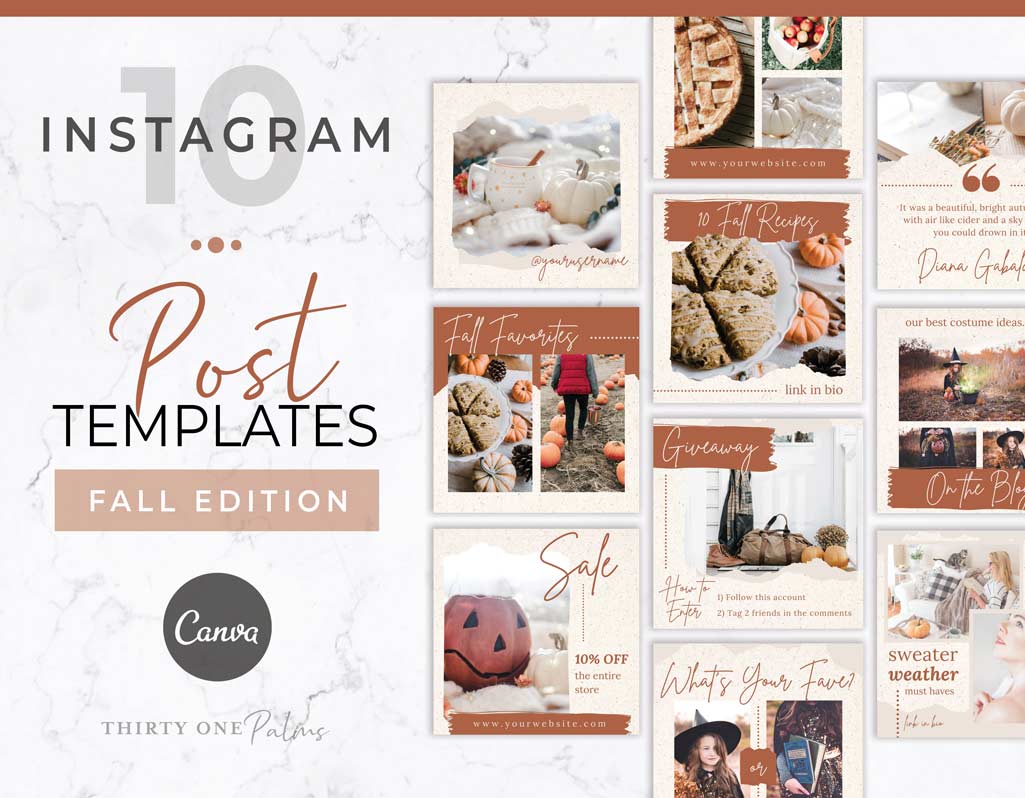
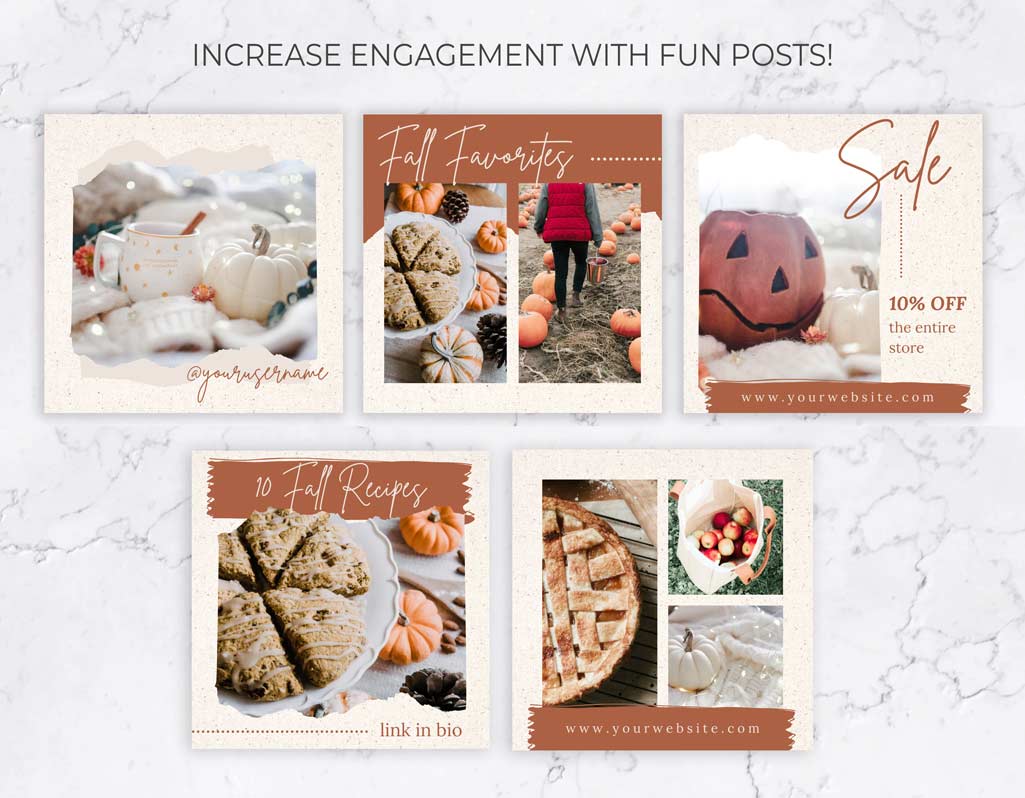
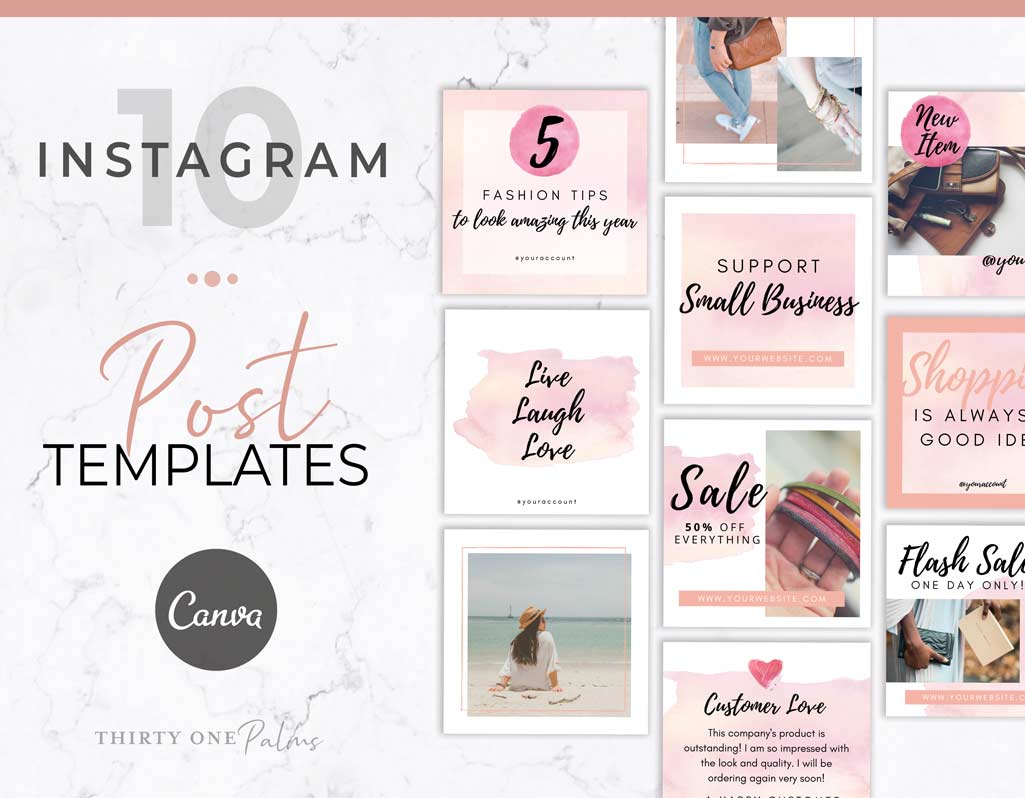
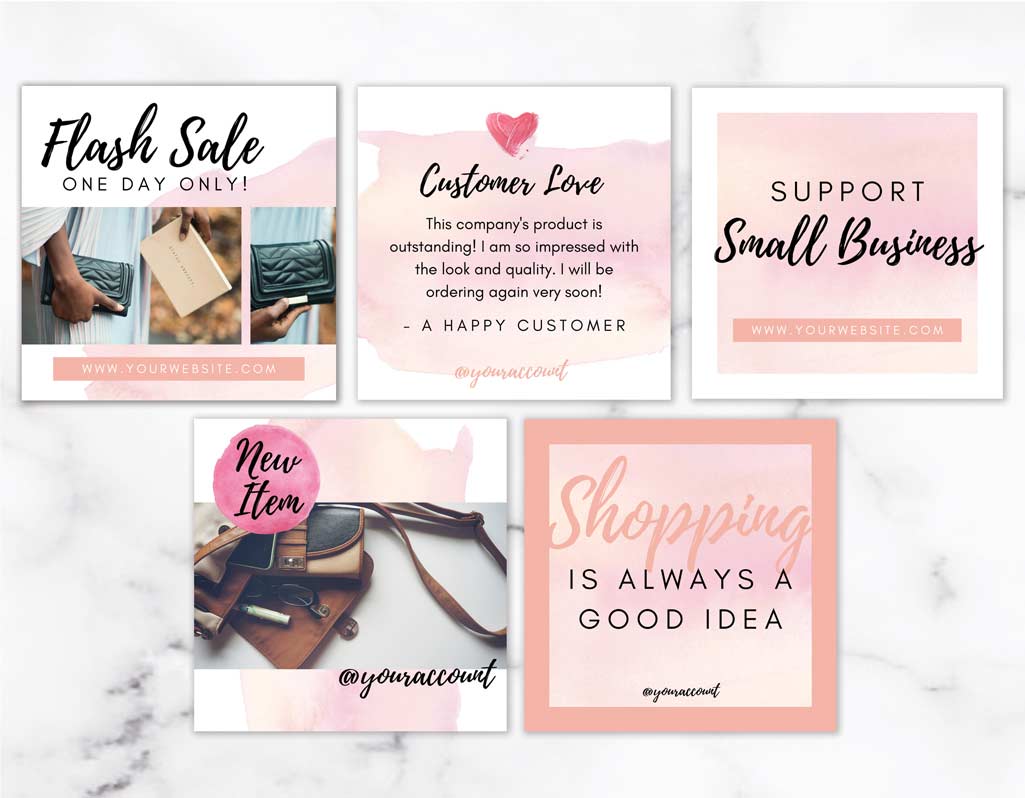
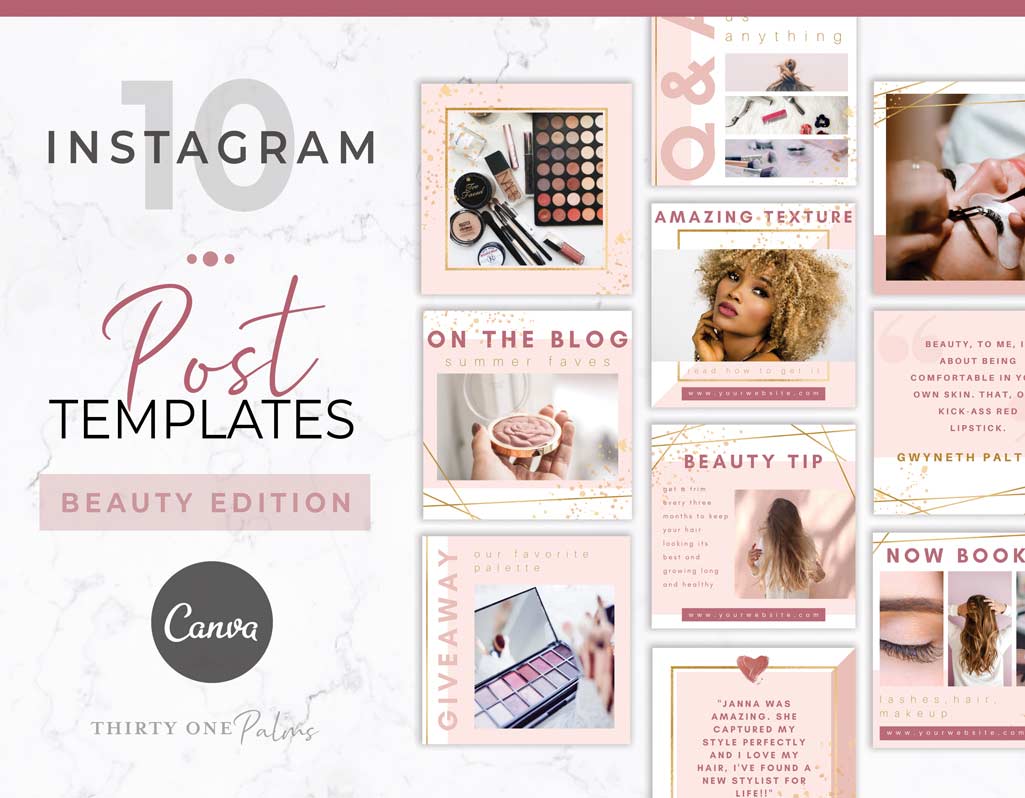
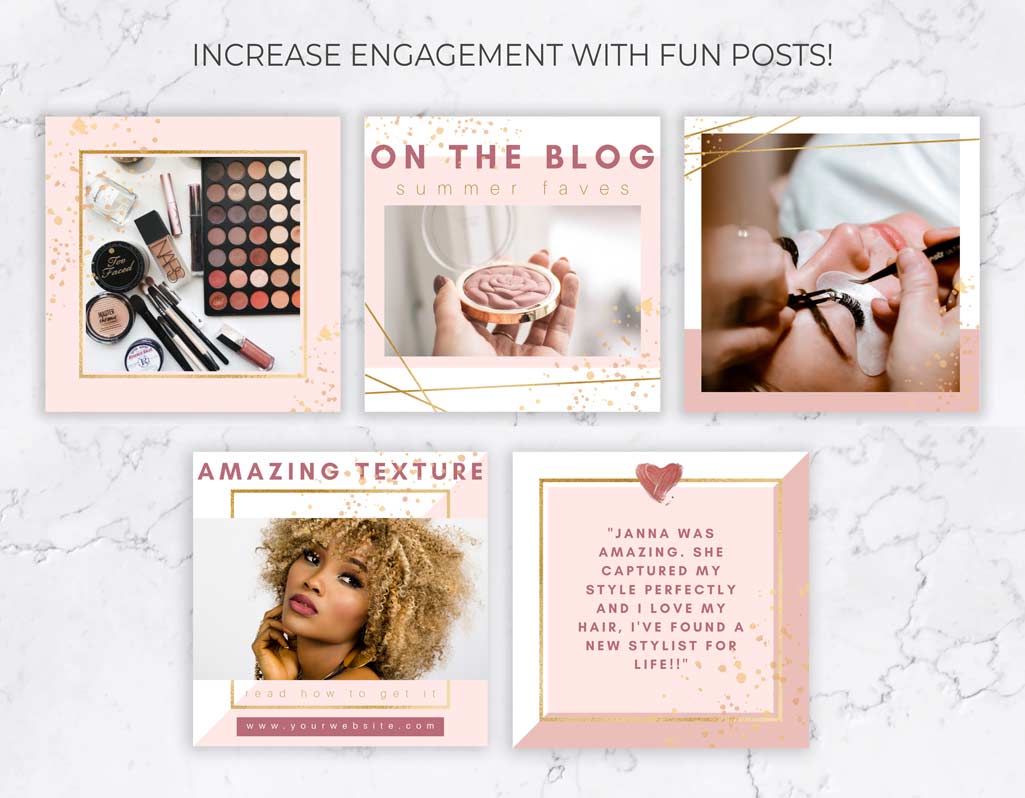
These Instagram post templates give you the exact layouts you need to create a professional, on brand content strategy that isn’t boring:

โ–บ Welcome Pinned Post Carousels: Make the ultimate first impression. Create a dedicated intro carousel to pin at the top of your profile grid, telling new visitors exactly who you are, what you offer, and how they can work with you.

โ–บ High Retention Seamless Carousels: ย Keep your audience swiping with cohesive, multi slide layouts that break down your tutorials, hot takes, and step by step teachings without ever looking text heavy.

โ–บ Shareable Educational Posts: Package your quick tips, industry secrets, and infographics and charts into bold, easy to read single graphics that encourage saves and shares.

โ–บ Strategic Promo Announcements: Launch your masterclasses, new digital products, or announce seasonal sales with clear, direct graphics that give a strong call to action and tell your audience exactly how to buy without feeling cookie cutter and salesey.

Frequently Asked Questions

Are these templates easy to customize if I don’t have a design background?

Absolutely! You don’t need to be a designer to make these look professional. Every layout is built specifically for Canva’s simple drag-and-drop editor. Just click to update the text with your own tips (use our framework and prompts to help!), drag your brand photos into the frames, and adjust the colors to match your brand in minutes.

Do I need a paid Canva Pro subscription to use these?

Nope! We purposely built all of our Instagram templates using free fonts and design elements. You can edit and download both Instagram posts and seamless carousels using a free Canva account.

How do I download and post my finished graphics?

Once your strategy is plugged in, download your files from Canva as PNG or JPG images. You can save them directly to your phone to post right in Instagram, or drop them into your favorite social media scheduler so your entire week’s content is completely locked and loaded!

Instructions to slice your post carousels or get them to line up perfectly are included!