Shop Pinterest Templates

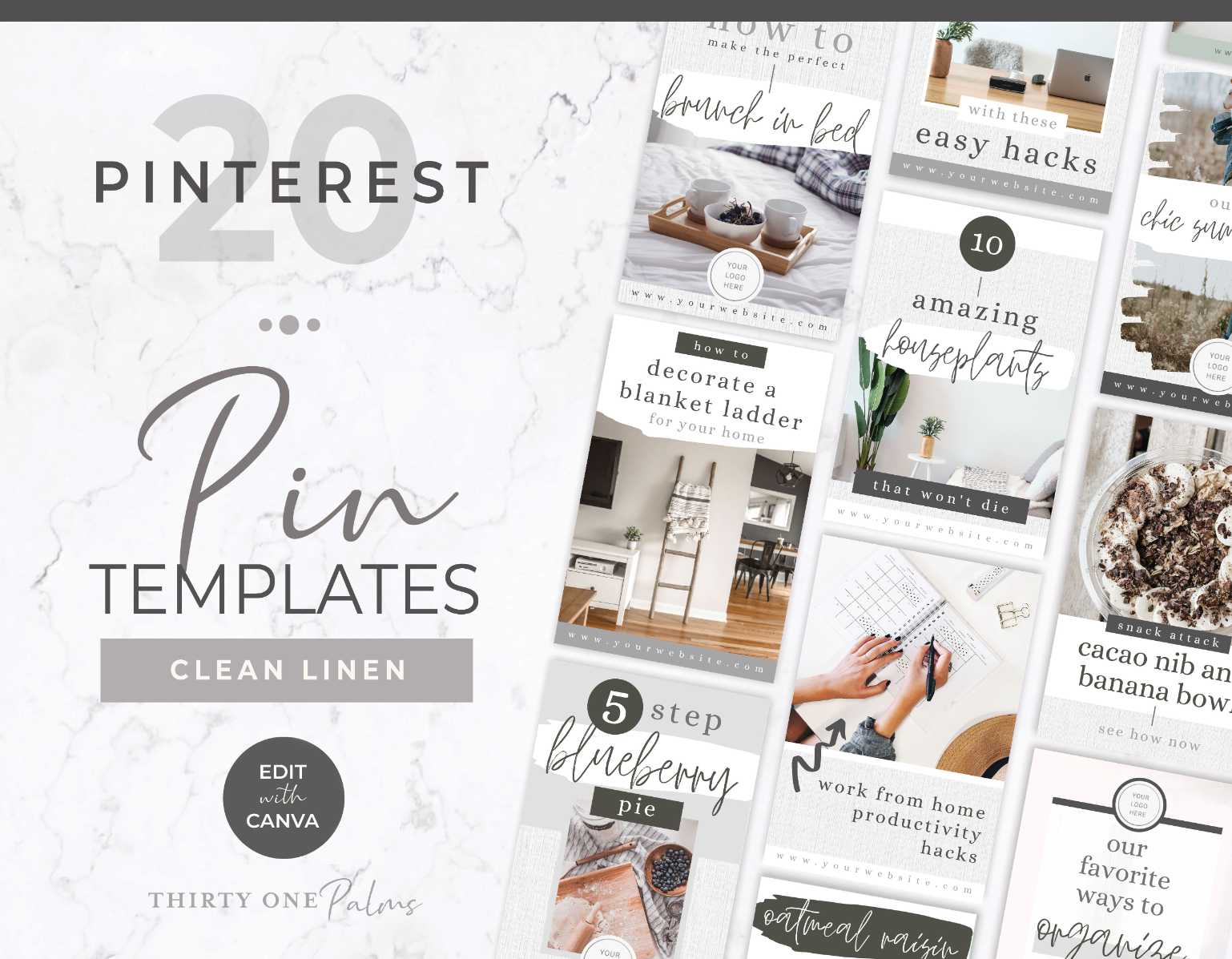
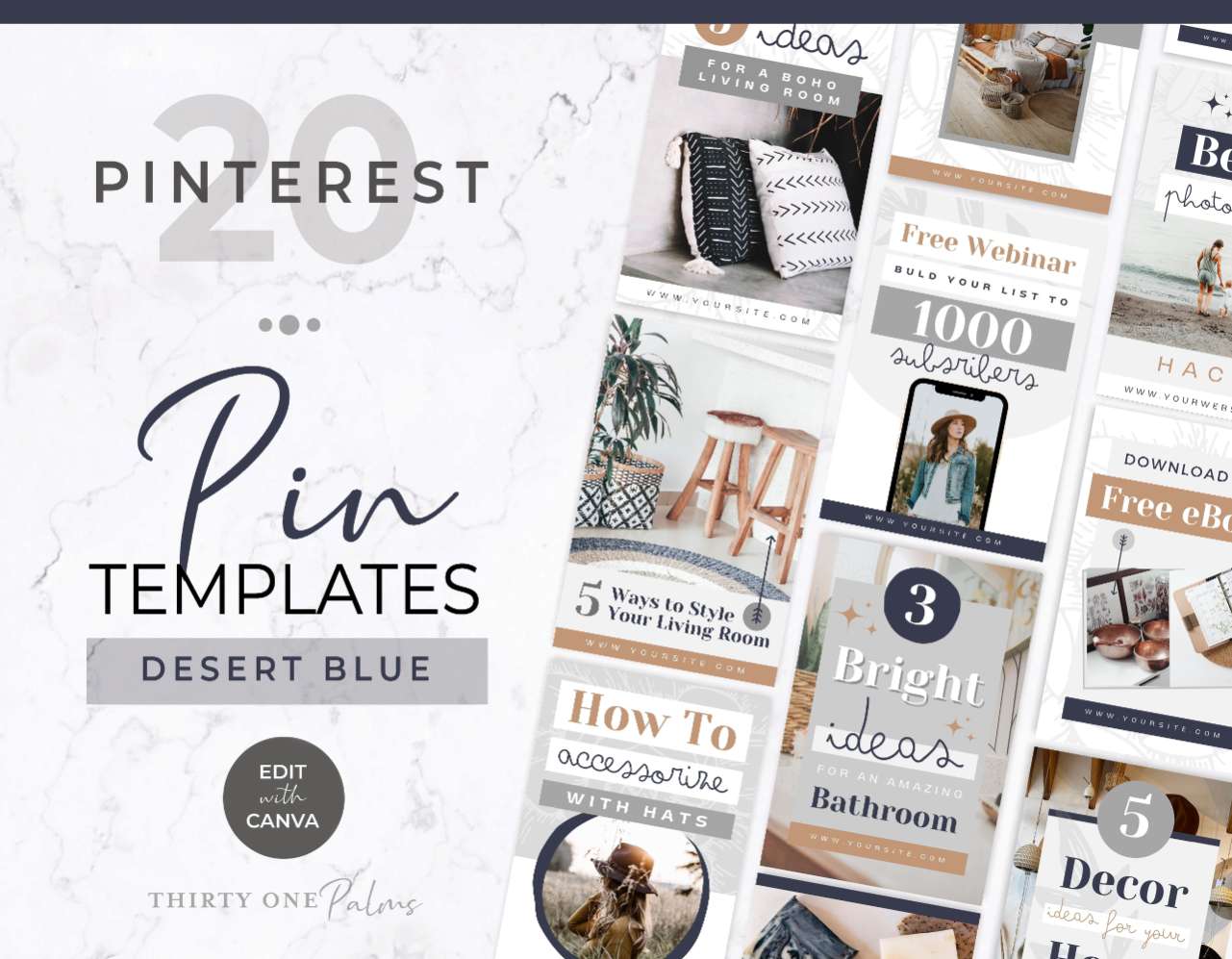
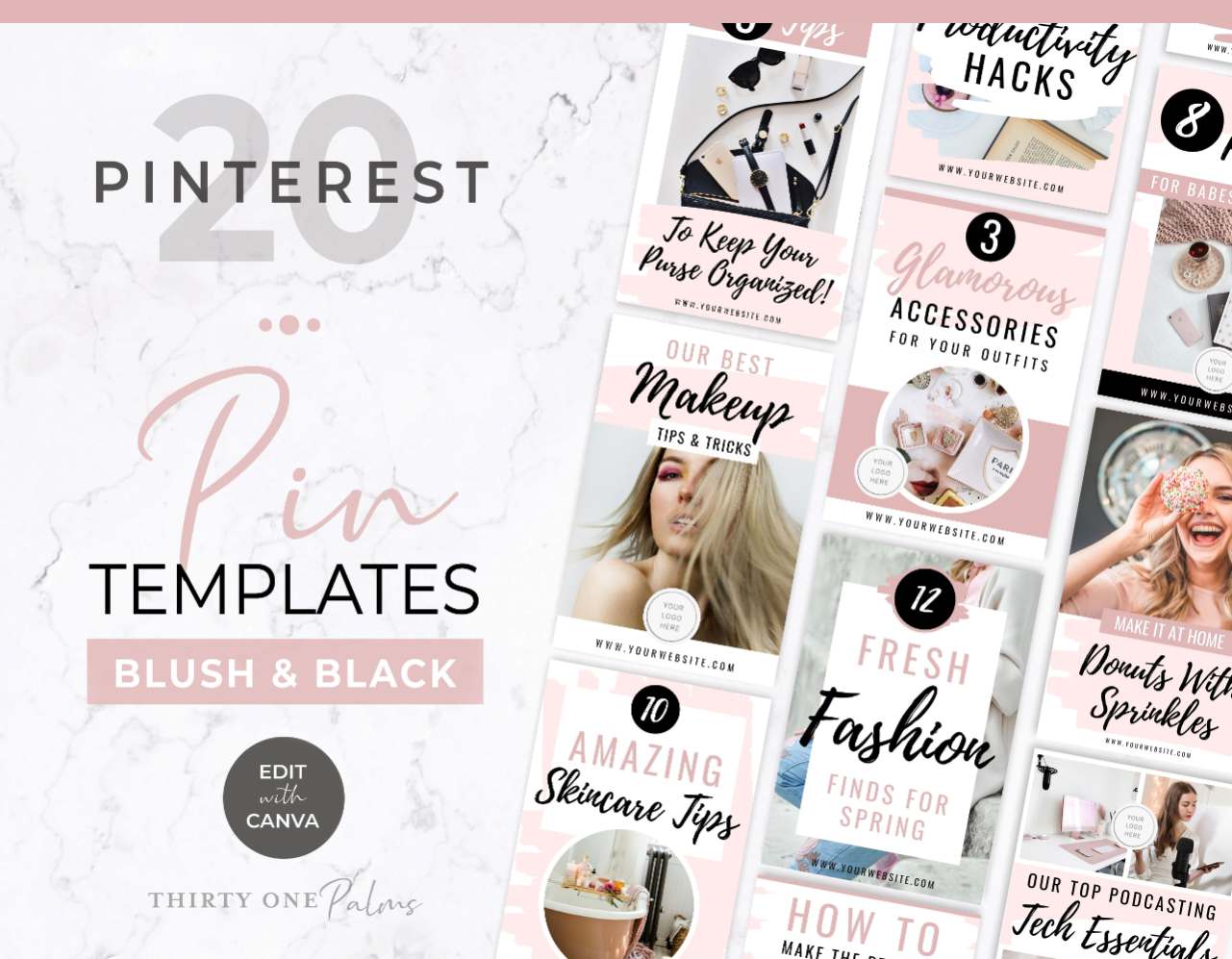
High Click Canva Pinterest Pin Templates

Most social media platforms bury your content in 24 hours. Pinterest is the complete opposite. It’s not a social feed at all, it’s a visual search engine. A single pin designed with the right layout can quietly drive organic traffic, affiliate sales, and new email subscribers to your website for months (and sometimes years!!) after you hit publish.

The catch? Pinterest’s algorithm prioritizes “fresh visual content.” If you keep pinning the same graphic over and over, your reach dies. Those Tailwind loops from 2021? Yeah, they don’t work anymore.

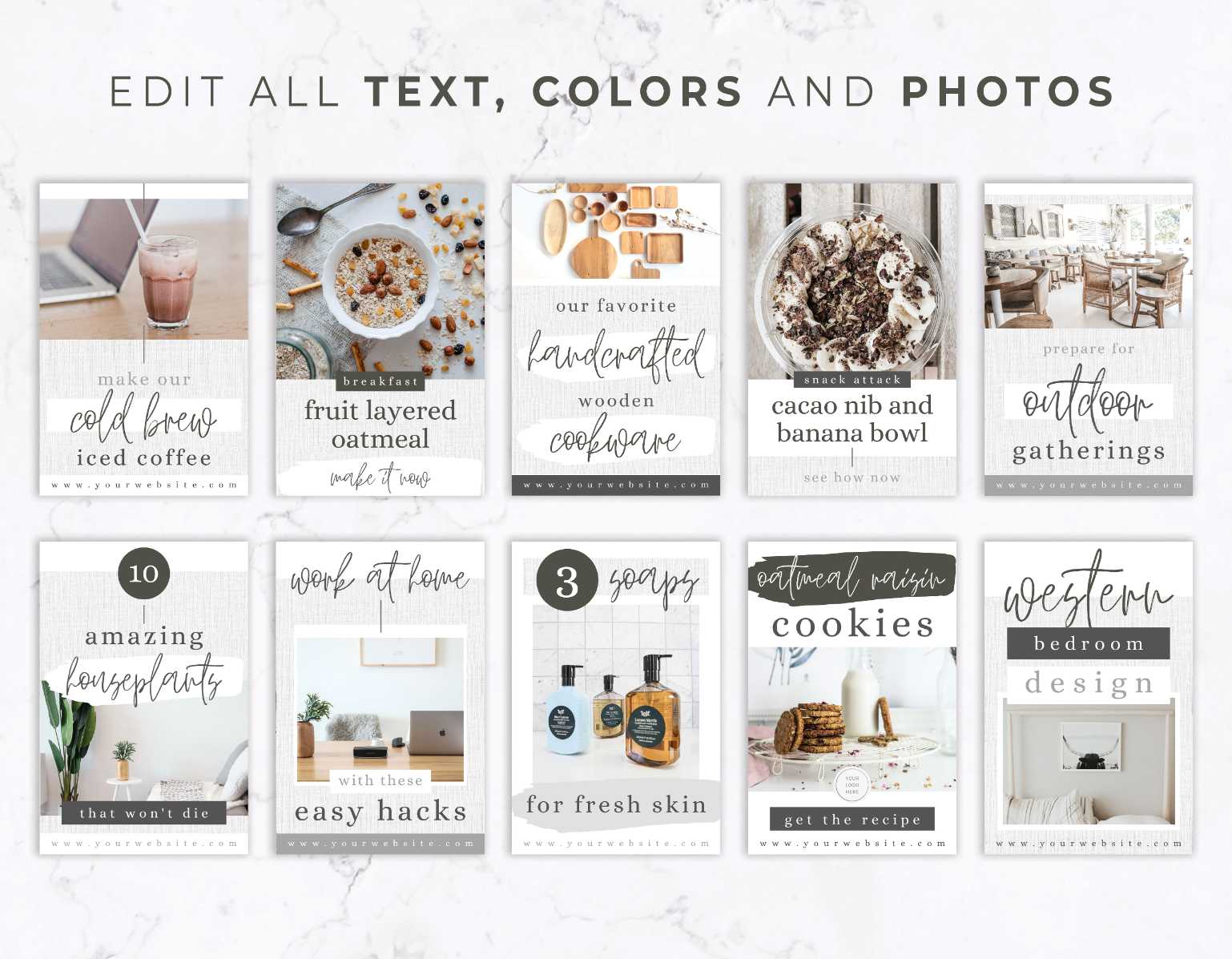
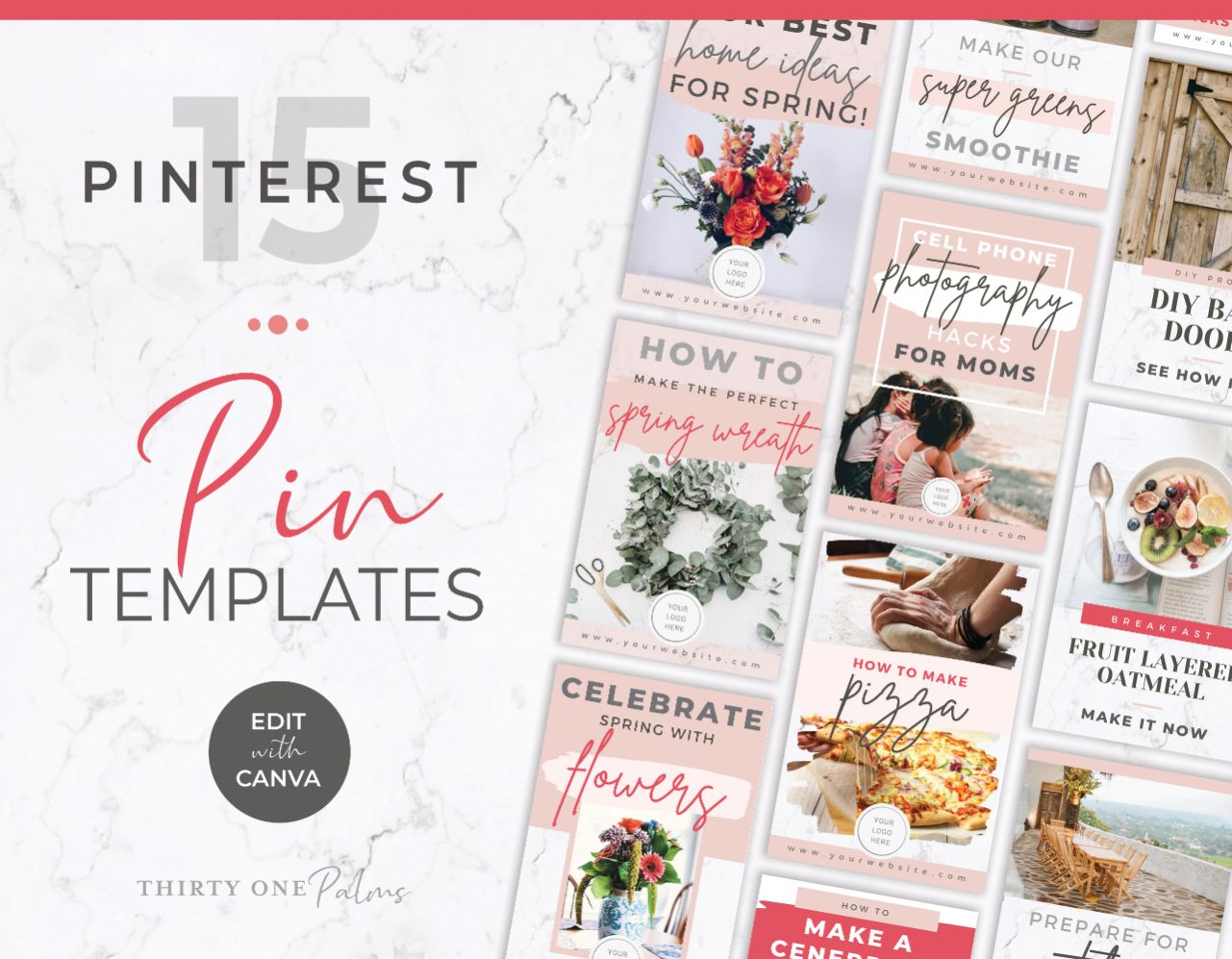
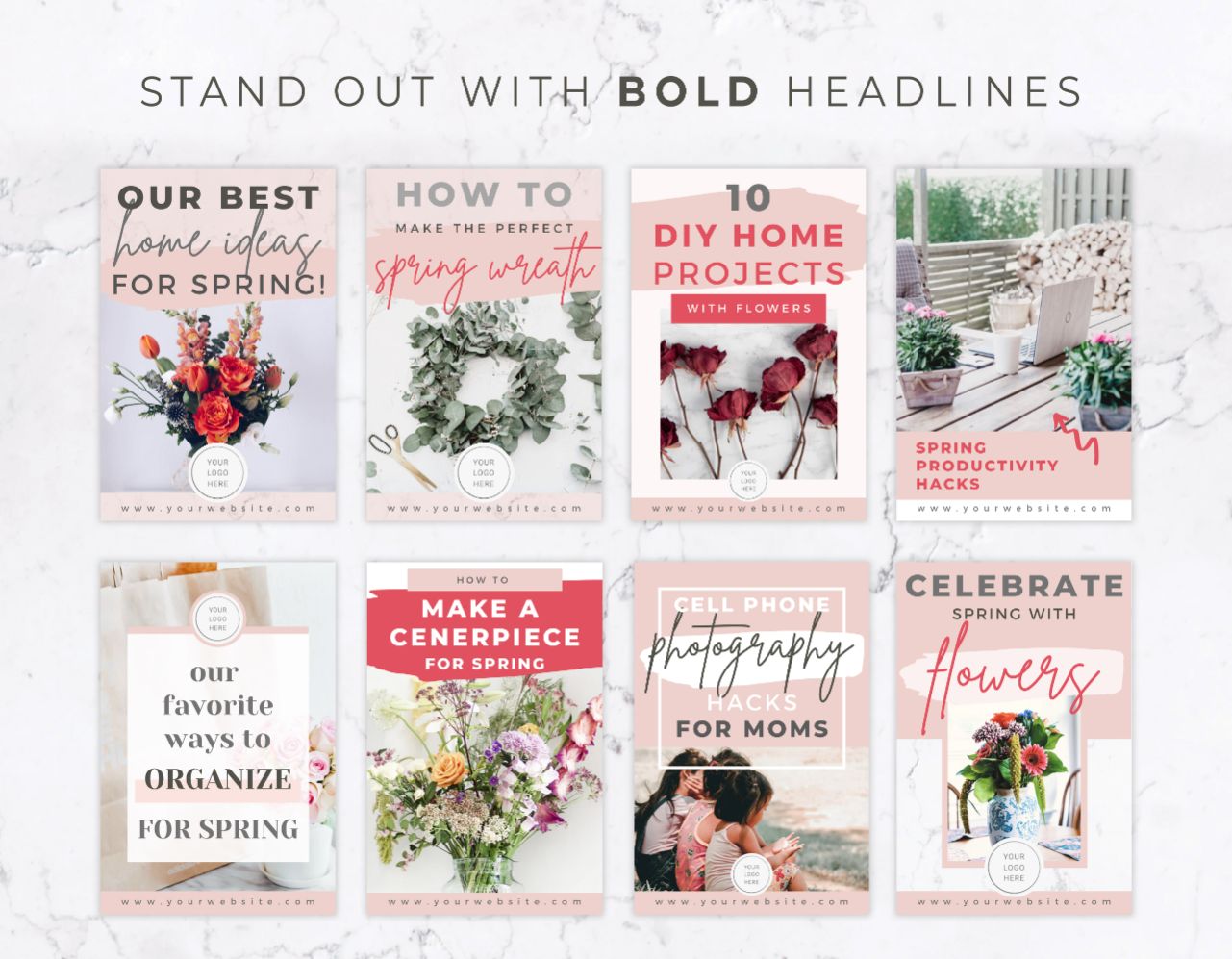
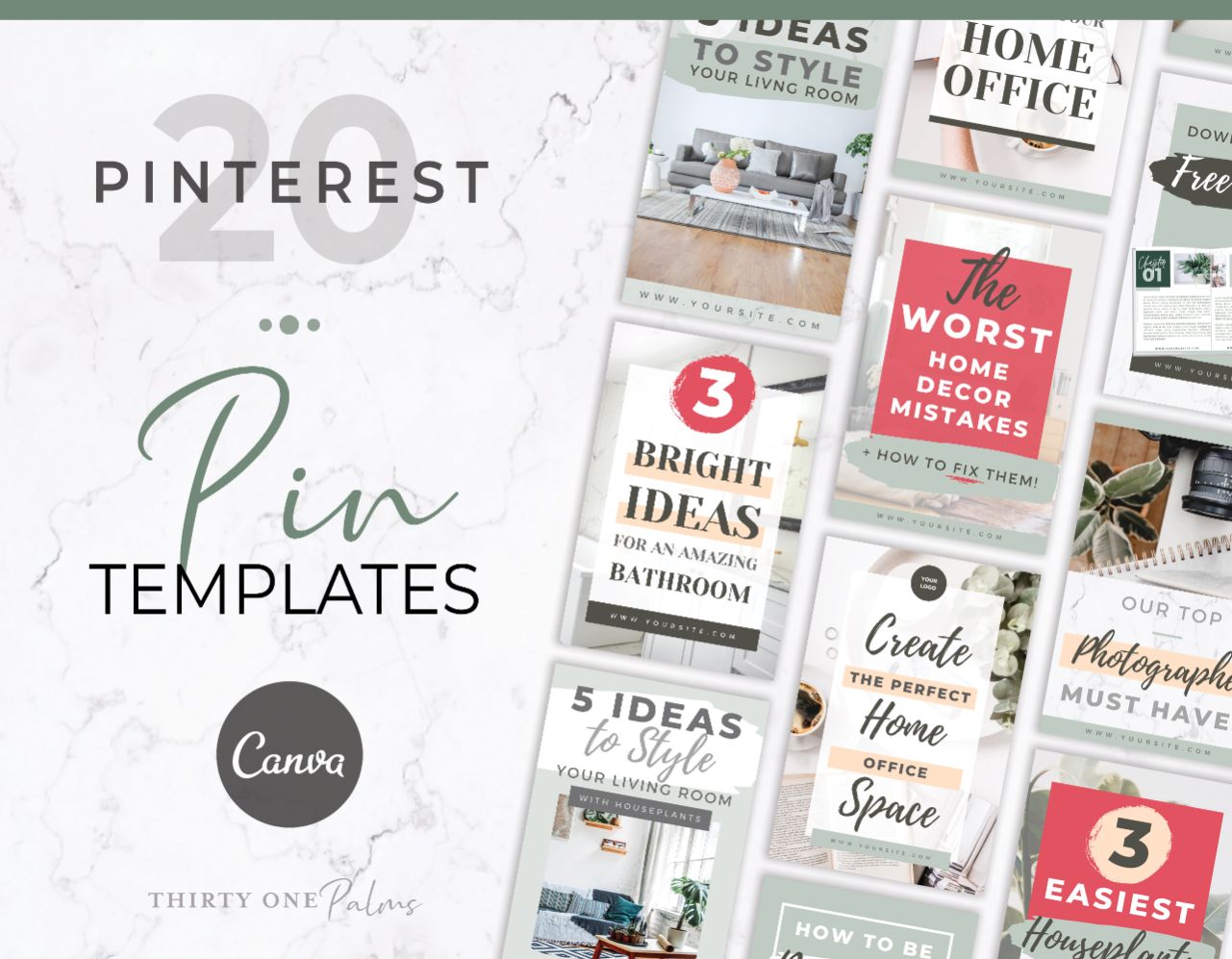
These DIY Canva Pinterest Pin templates give you a huge library of scroll stopping, high converting layouts so you can create fresh, click worthy pins for your content quickly without burning out and crying into your laptop.

The Secret to Pins That Actually Get Clicked

A pretty picture might get a double tap on Instagram, but Pinterest users are actively searching for solutions to their questions. They want to learn, buy, or save something for later. To get them to actually leave Pinterest and land on your website, your pin needs to act like a digital billboard and intrigue them to leave the platform and look further into your content.

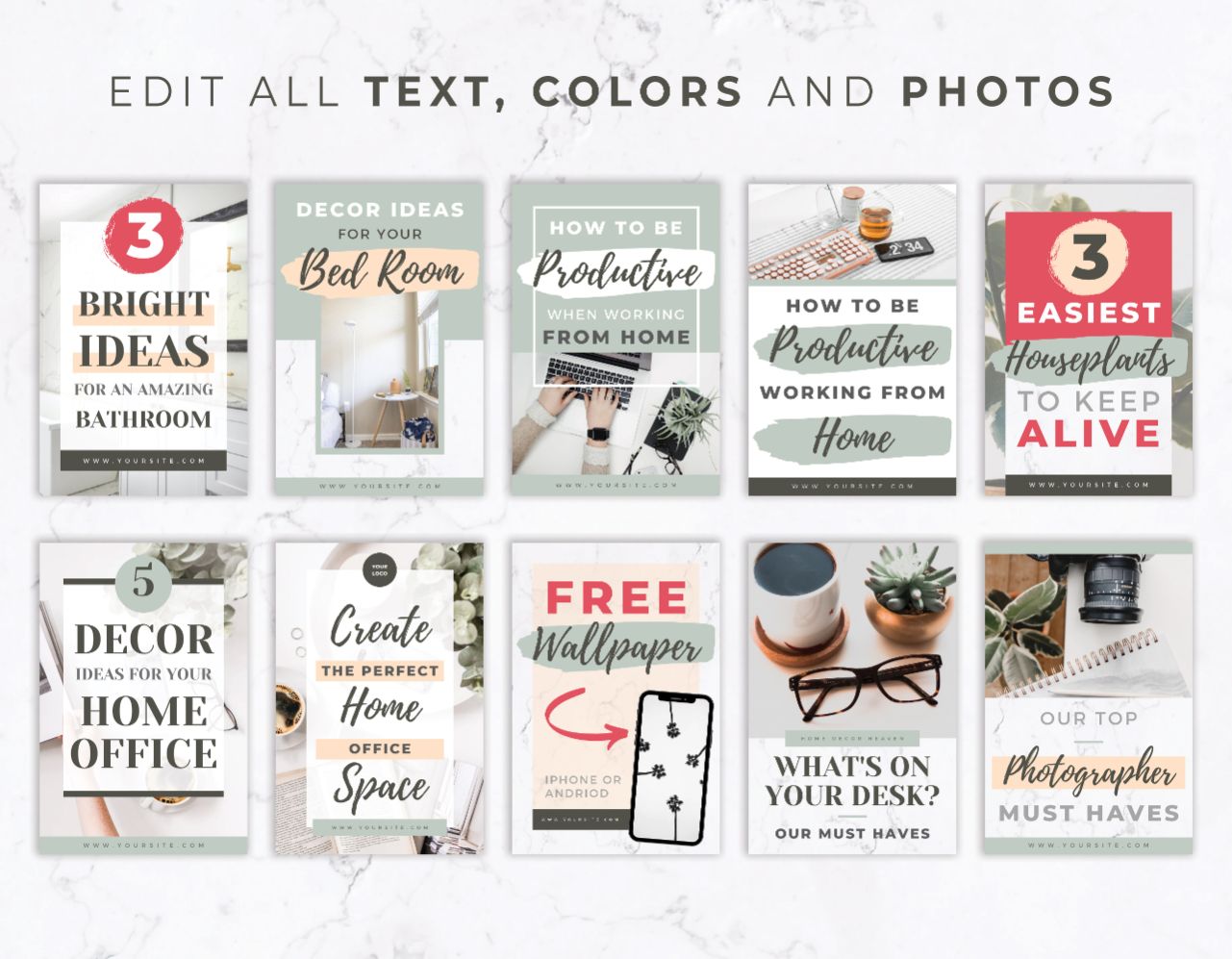
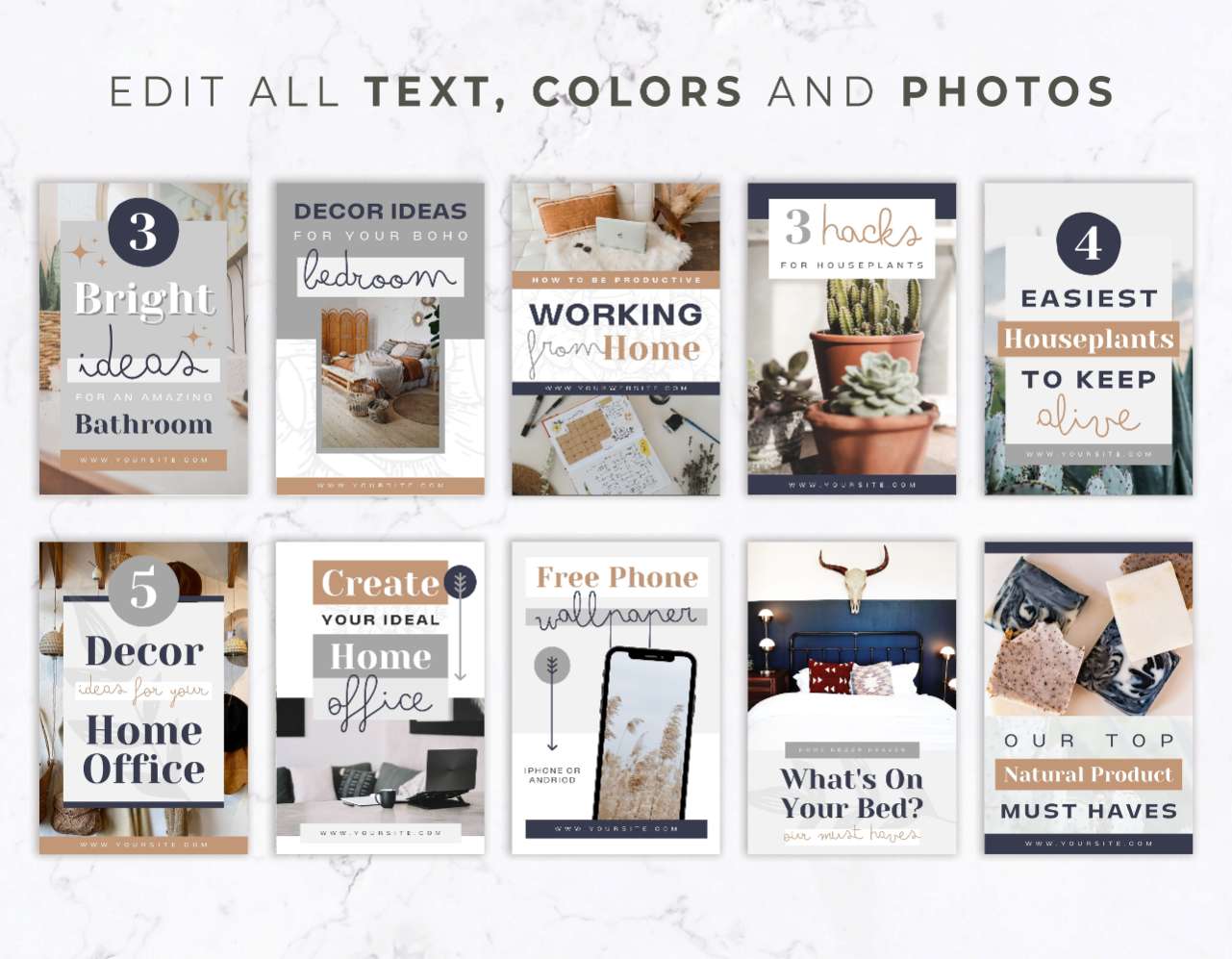
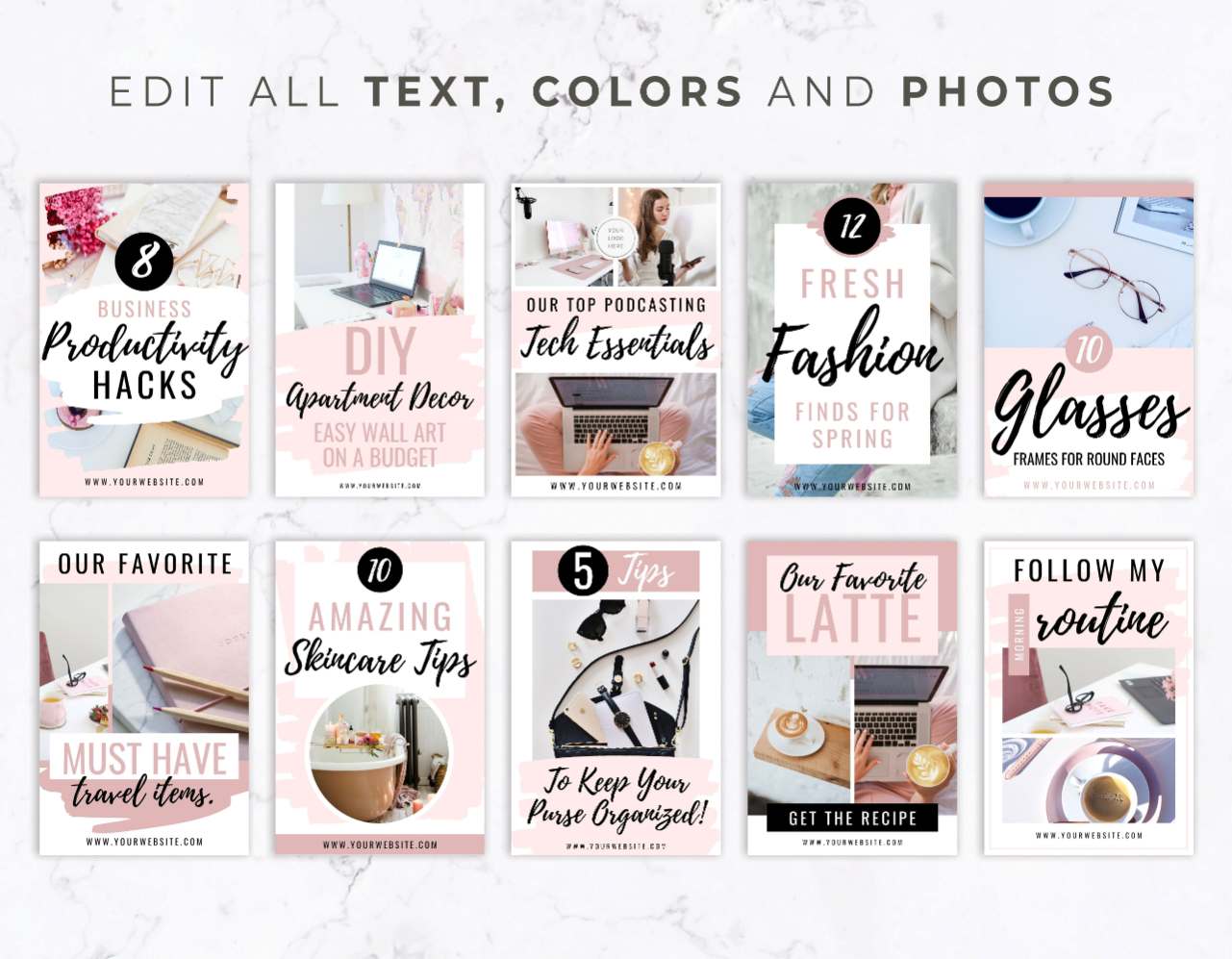
Our templates are built around proven Pinterest hierarchy. We use high contrast text boxes, big enough text to actually read, and strategic image placement to make sure your pins pop out of the crowded visual search feed so users hit “Visit Site.”

Batch a Month of Pinterest Content in 20 Minutes

Posting consistently to Pinterest used to mean spending hours inside graphic design software tweaking text boxes, resizing images and searching one off templates that don’t even match. With a dedicated collection of pre structured pin templates, you completely eliminate the time suck.

You just grab an article title, drop it into 5 or 10 different layout variations, swap in your brand photos, and schedule them out. You satisfy Pinterest’s requirement for fresh visual pins while spending hardly any time doing design work.

What You Can Create with These Pin Templates

These templates are optimized for Pinterest’s favorite 2:3 aspect ratio to maximize your real estate on both mobile and desktop screens:

Blog & Podcast Teasers: Convert readers and listeners with bold, readable headline layouts designed to drive clicks. After all, you literally can’t read a blog or listen to a podcast on platform, so your readers HAVE to click your link.

Product & Shop Displays: Showcase physical products or digital downloads with organized, clean photo frames that highlight details and feature clear “Shop Now” callouts.

Lead Magnet Prompts: Grow your email list by featuring mockups of your free workbooks, checklists, or mini-courses directly inside the pin to entice people to click through and grab a copy!

Frequently Asked Questions

What dimensions are these Pinterest templates built in?

All templates in this collection are built in the standard  2:3 aspect ratio. This is the exact dimension recommended by Pinterest to ensure your pins take up optimal vertical space in the search feed without getting awkwardly cropped.

Do I need a Canva Pro subscription to use these?

Nope! Every template in this deck uses free fonts and design elements. You can customize, duplicate, and download every pin layout using a standard, free Canva account.

Why do I need multiple template variations for the same blog post or product?

Pinterest’s algorithm loves variety! To rank higher in search results and reach different audiences, Pinterest recommends creating 3 to 5 “fresh pins” (different visuals and headlines) for every single URL on your site. Having a collection of diverse templates lets you create those variations faster without starting from scratch.